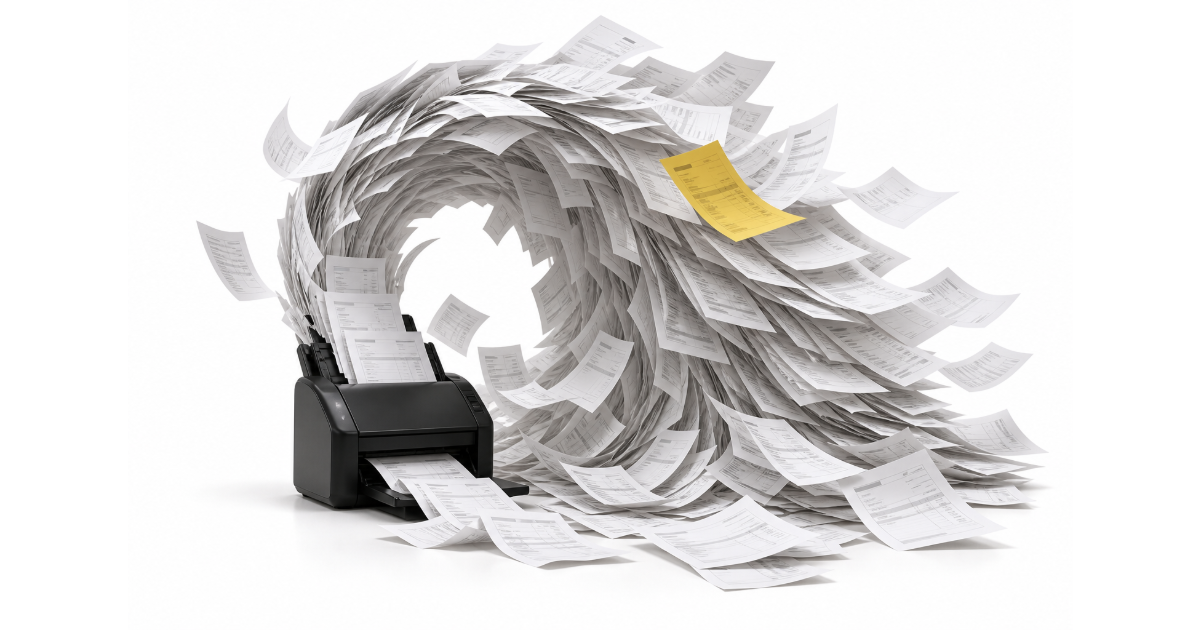
Your boss sends you an invoice and asks for the important details. You upload it to Gemini, get a useful response, and copy the data into Excel. That works for one invoice from one company.
But what if you need to organize hundreds of invoices from different companies? Invoice fields change, line-item formats vary, and basic extraction can make it difficult to tell which records belong to which company. Reconciliation and billing quickly become slow, manual work.
PdfParse processes every invoice against one shared schema. It keeps invoice details connected to their line items and source documents, producing consistent data that you can export to CSV and open in Excel.
Maintain consistent data across different invoice layouts
Different suppliers can place the same invoice details in completely different parts of the page. PdfParse processes each document against one predefined schema, so the output keeps the same field names and expected value types across the batch.
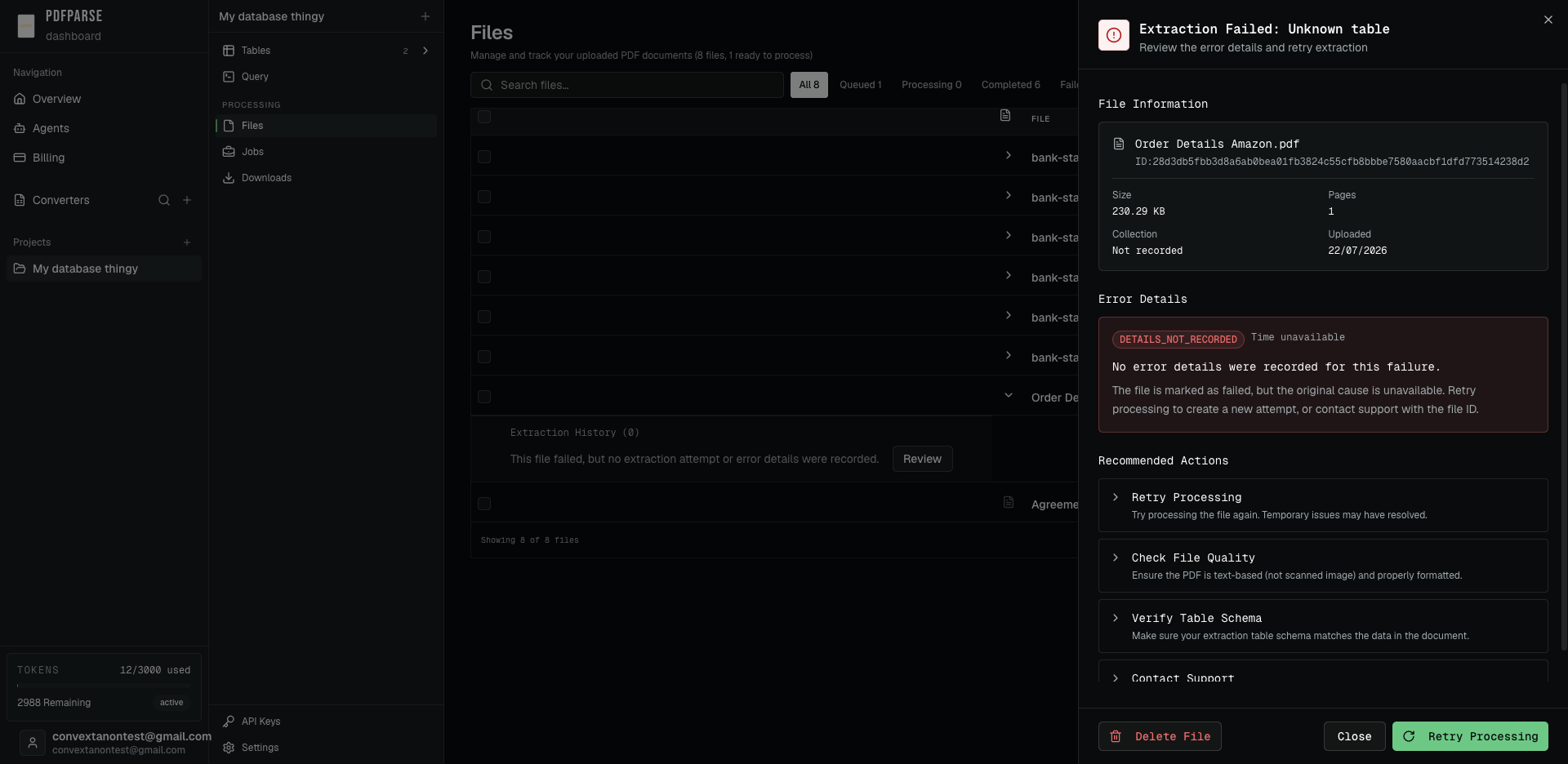
The extraction layer validates values against that schema before they are stored. Numeric fields are normalized as numbers, dates use a consistent ISO 8601 format, and database constraints can require values or keep designated fields unique. Repeating line items are stored in a related child table, preserving which items belong to each invoice.
The result is one predictable dataset with consistent columns, relationships, and export formats across every invoice—not a different JSON structure for every file.
Build a reliable invoice catalog
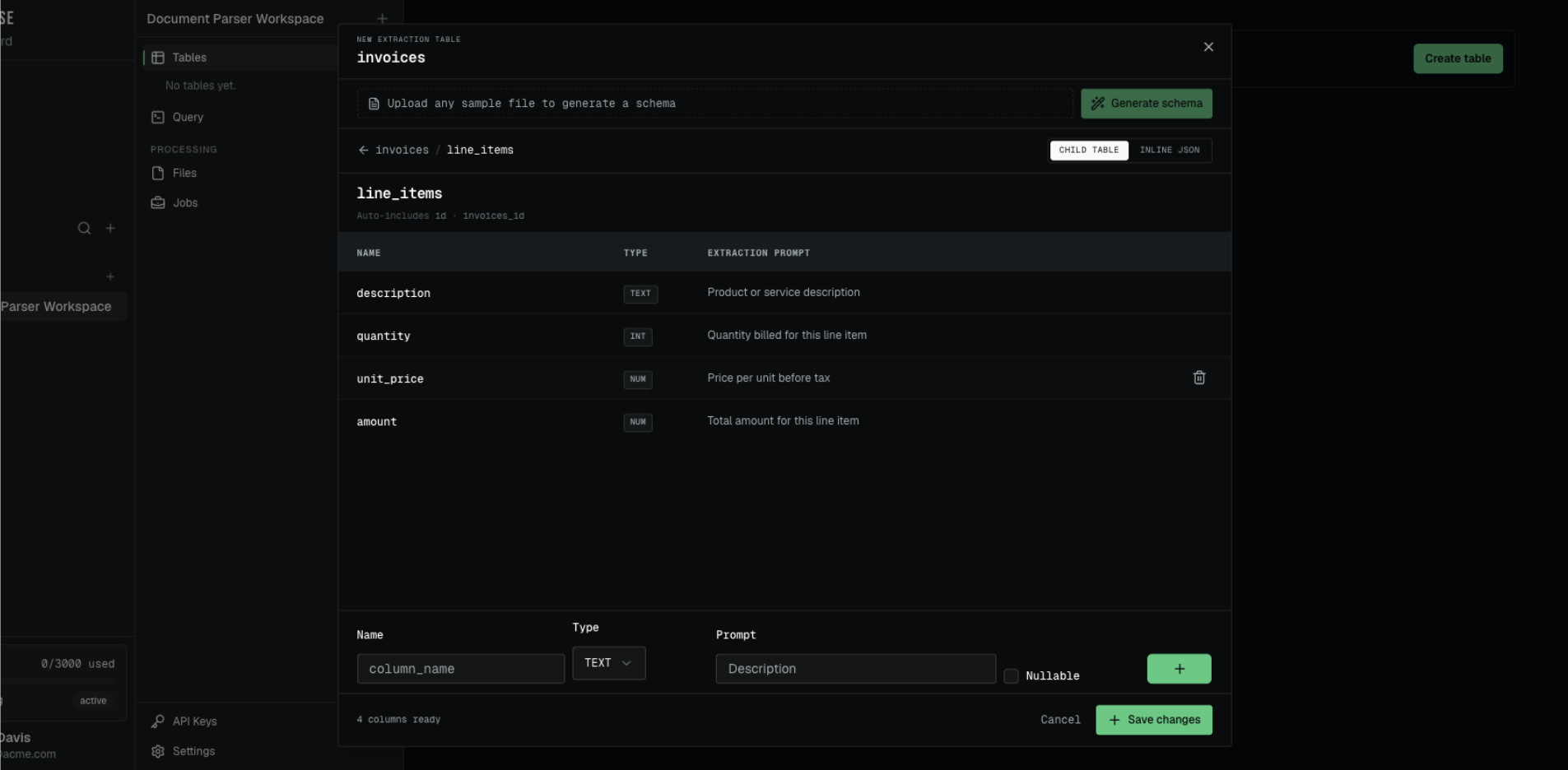
After extraction, invoices from different companies appear in the same table with consistent columns. Repeating products and services remain in the related line_items table instead of being flattened into an unpredictable response.
Each invoice record also stays connected to its source document. Select a row and the original PDF opens beside the extracted data, making it easier to confirm the vendor, invoice number, dates, and totals during billing or reconciliation.
Review extraction errors and retry failed files
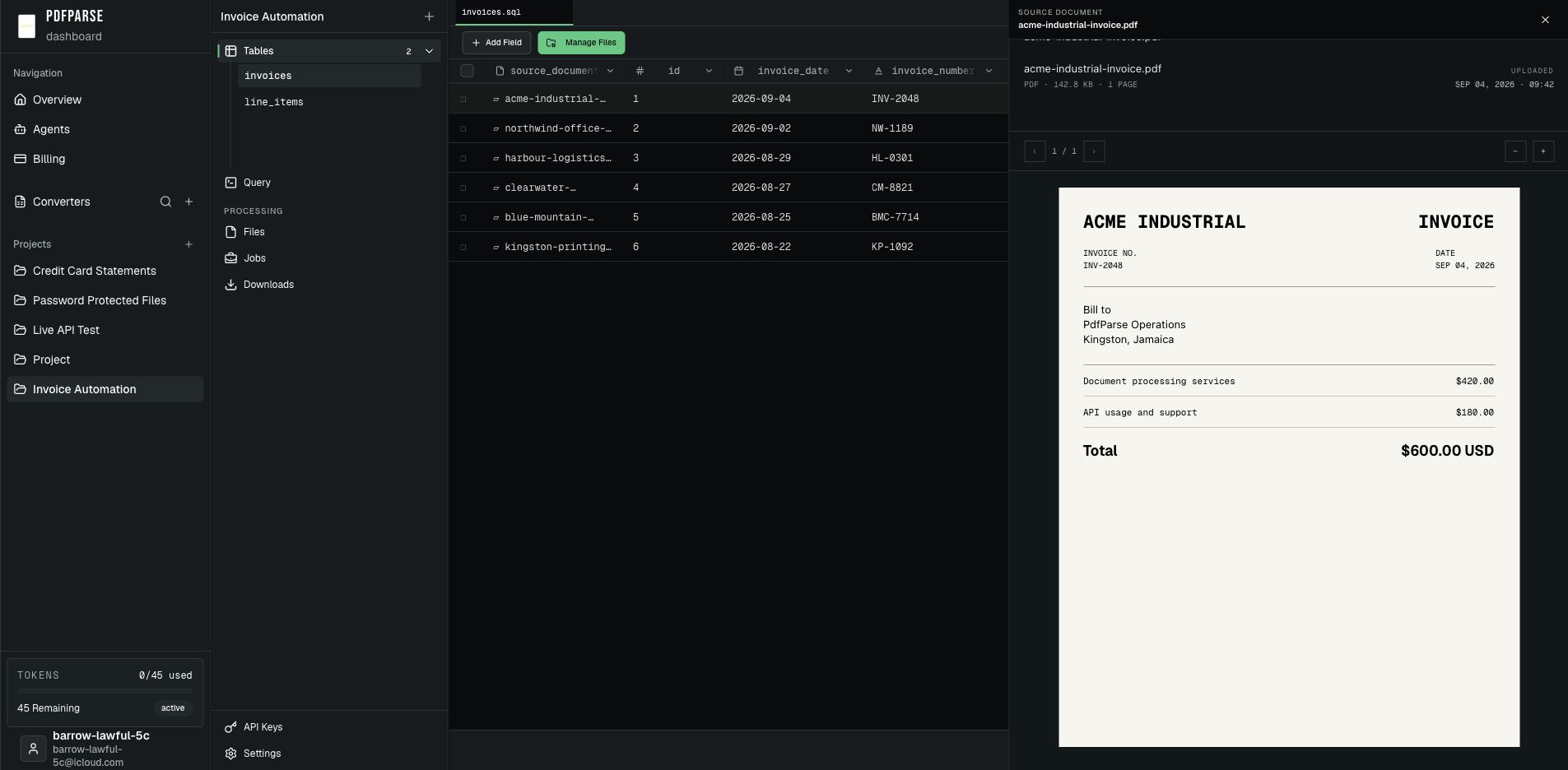
When a file fails to process, PdfParse keeps it visible in the Files workspace instead of dropping it from the batch. Open the failed file to review its information, available error details, and recommended next actions.
Your team can check the document and table schema, then retry processing from the same review panel. Other completed invoices remain available while the failed file is investigated.
Export consistent invoice data to Excel
Once the records are ready, export the structured data as CSV and open it in Excel. Every invoice uses the same column names, while repeating products and services remain organized as line-item records.
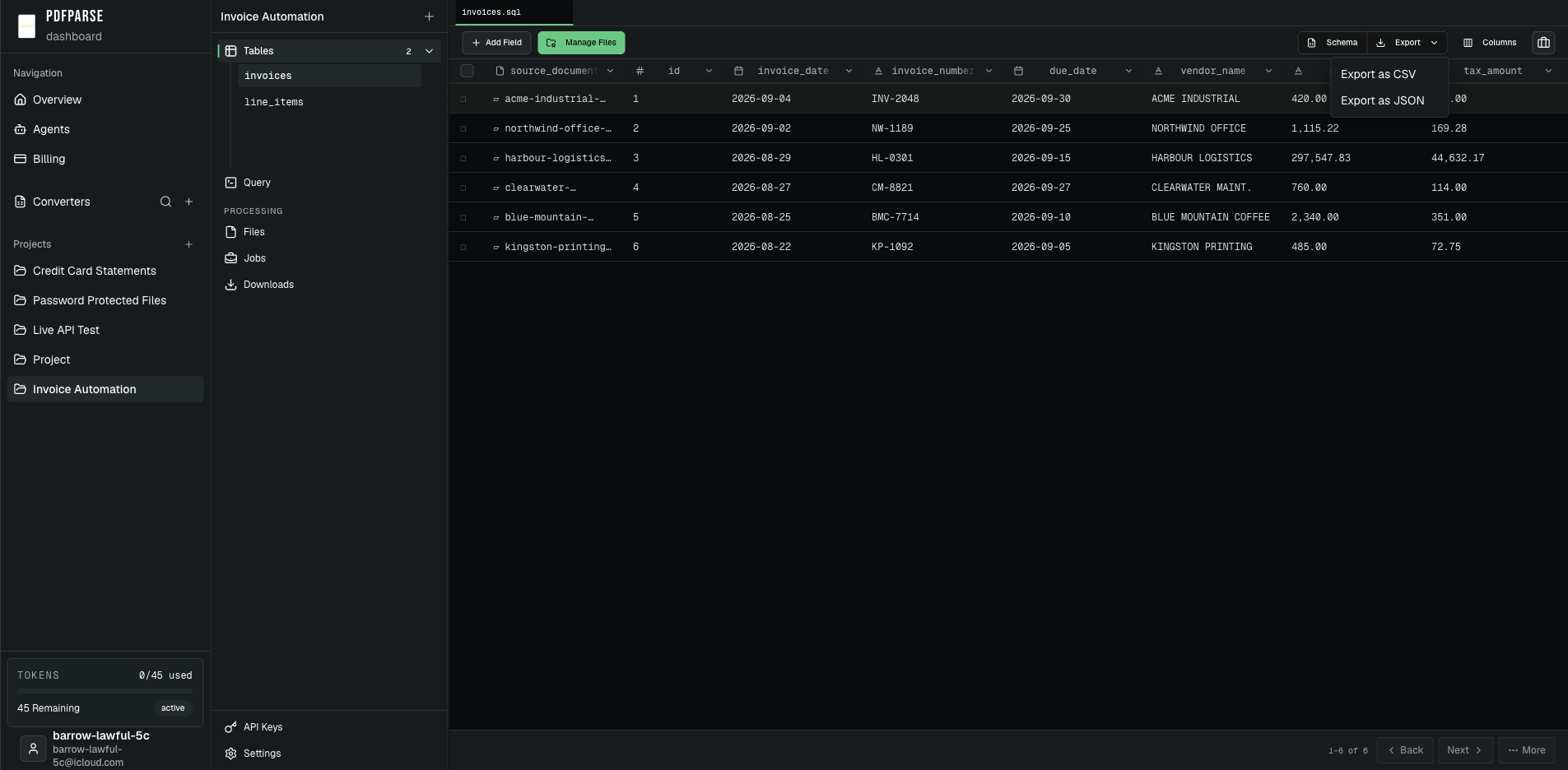
Your team receives a reusable dataset instead of a collection of differently shaped AI responses. The same structure can support reconciliation, supplier reporting, product catalogs, and other back-office workflows.
When is PdfParse better than a generic AI tool?
A generic AI tool is useful when you have one invoice and need a quick answer. PdfParse is the better fit when you need to process invoices repeatedly and keep the results organized.
Use PdfParse when you need:
- One schema across invoices from different companies
- Consistent fields and value types
- Invoice records connected to repeating line items
- A direct link from extracted data to the source PDF
- CSV exports your team can use in Excel
The difference is not whether AI can read an invoice. It is whether the result becomes dependable data your team can continue using.
For the complete setup, see how to build an invoice extractor with child tables and foreign keys or follow the full invoice data-extraction workflow. When you are ready to process your own documents, try the PdfParse invoice parser.