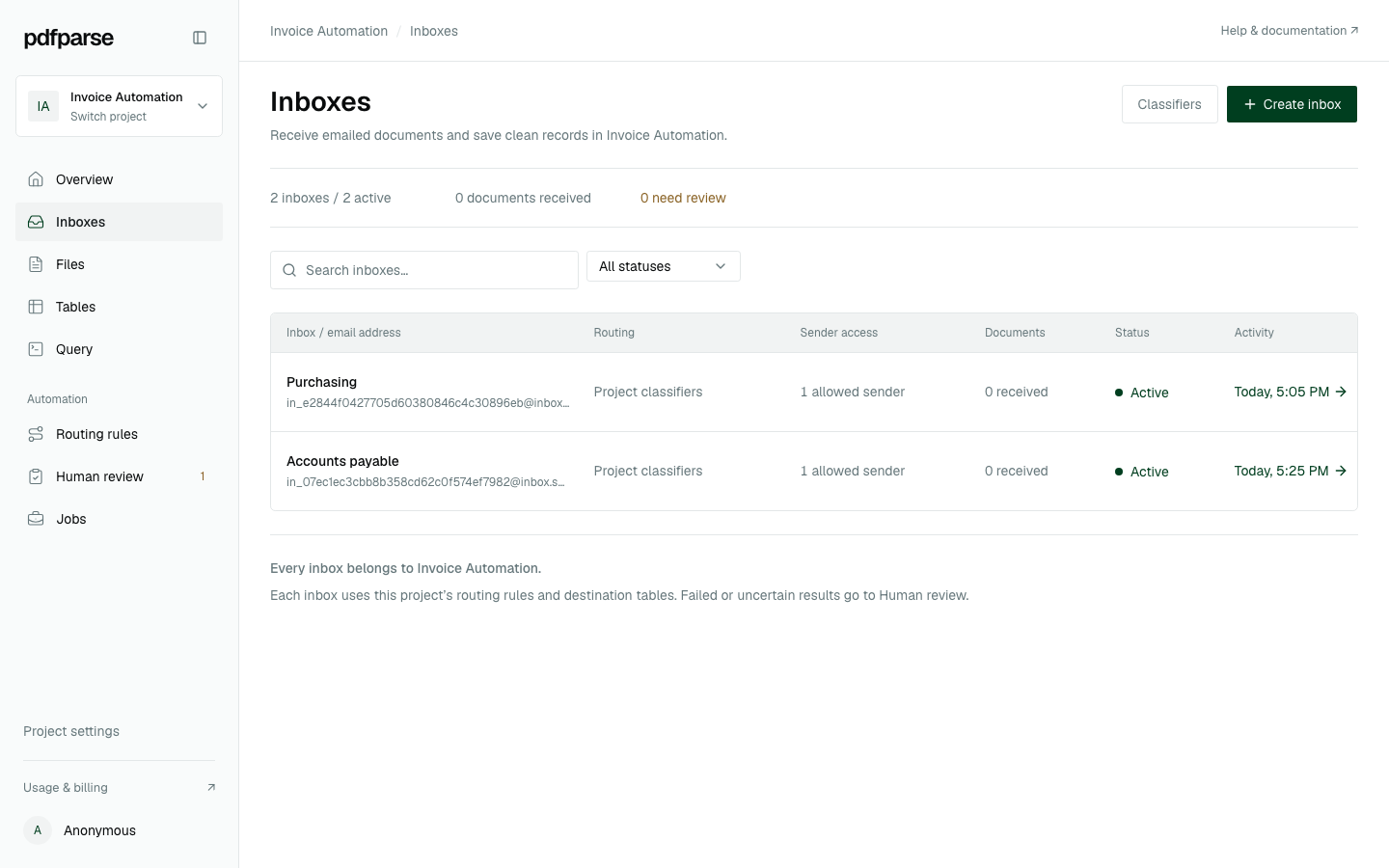
Give each source its own inbox.
Create several addresses in one project for teams, suppliers, or document types. Each inbox keeps its own sender controls and pause state.
Email PDF parser
Give every team or document source its own project inbox. PdfParse receives attached PDFs, routes them through your project, and puts the extracted records in your tables.
The actual inbox workspace
Current product interface · synthetic project data
From attachment to database
Create several addresses in one project for teams, suppliers, or document types. Each inbox keeps its own sender controls and pause state.
Send a trusted source directly to one destination table or use the project's classifiers when an inbox receives mixed document types.
Accepted attachments become project documents and continue through routing, extraction, and human review when a result needs attention.
Review source-linked fields and line items in your tables, then query them or export CSV, JSON, and SQLite for downstream work.
Guides and product news
See what project inboxes add, when to create more than one, and how to verify your first attachment.
Read article ↗Invoice automation guideCreate an accounts-payable inbox and verify one invoice record with its related line items.
Read article ↗Purchase-order automation guideRoute emailed purchase orders into a project and check the resulting order and item rows.
Read article ↗Create your project inboxes, send one representative PDF, and verify the resulting records before you automate forwarding.