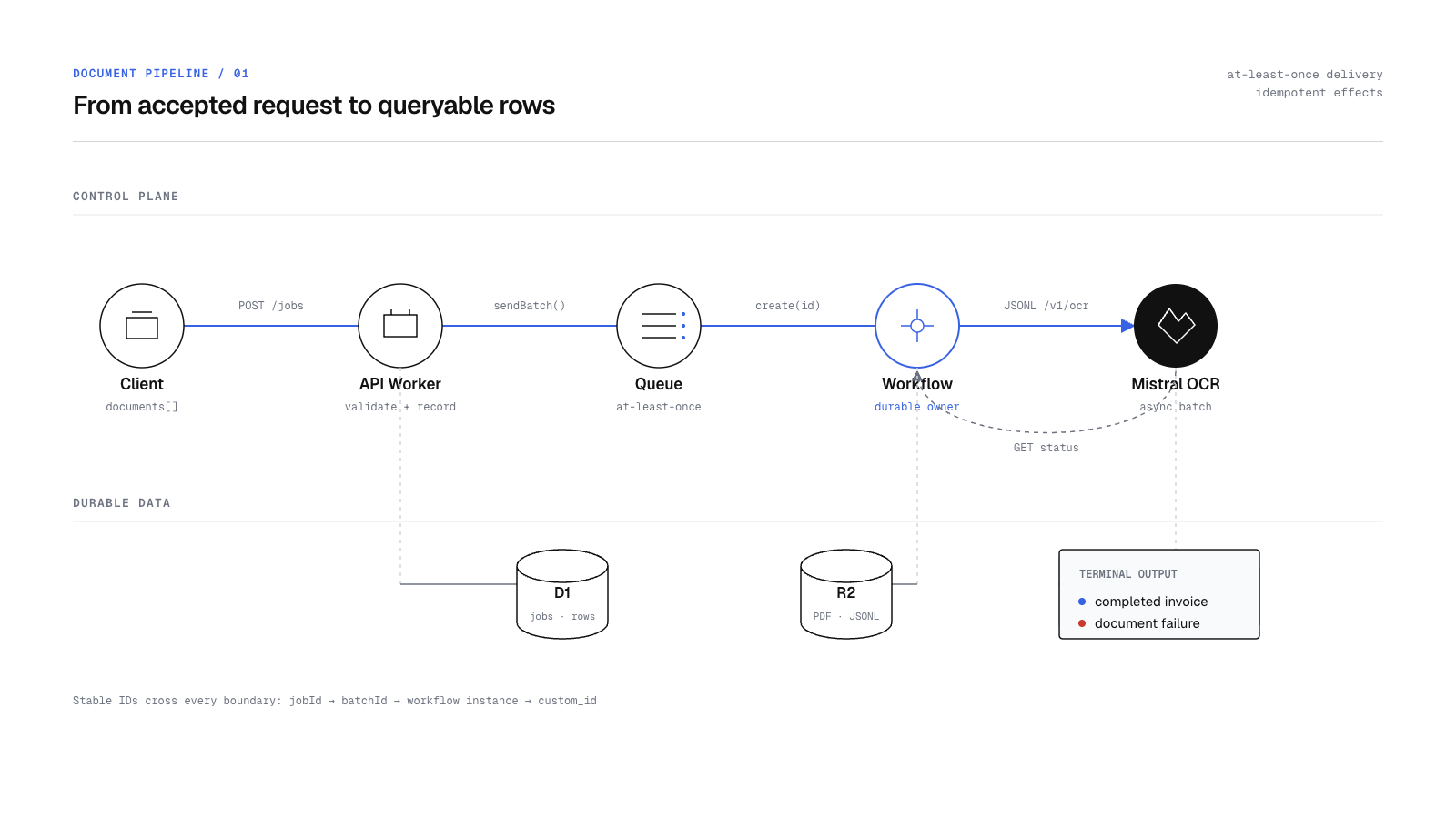
Building a Durable Document Parsing Pipeline with Cloudflare Queues and Workflows
A practical guide to batching PDF extraction with Cloudflare Queues, Workflows, D1, R2, and Mistral OCR, including retries and idempotent writes.
Read articlePdfParse Blog
Implementation notes, extraction patterns, and product updates from the team building PdfParse.

A practical guide to batching PDF extraction with Cloudflare Queues, Workflows, D1, R2, and Mistral OCR, including retries and idempotent writes.
Read article
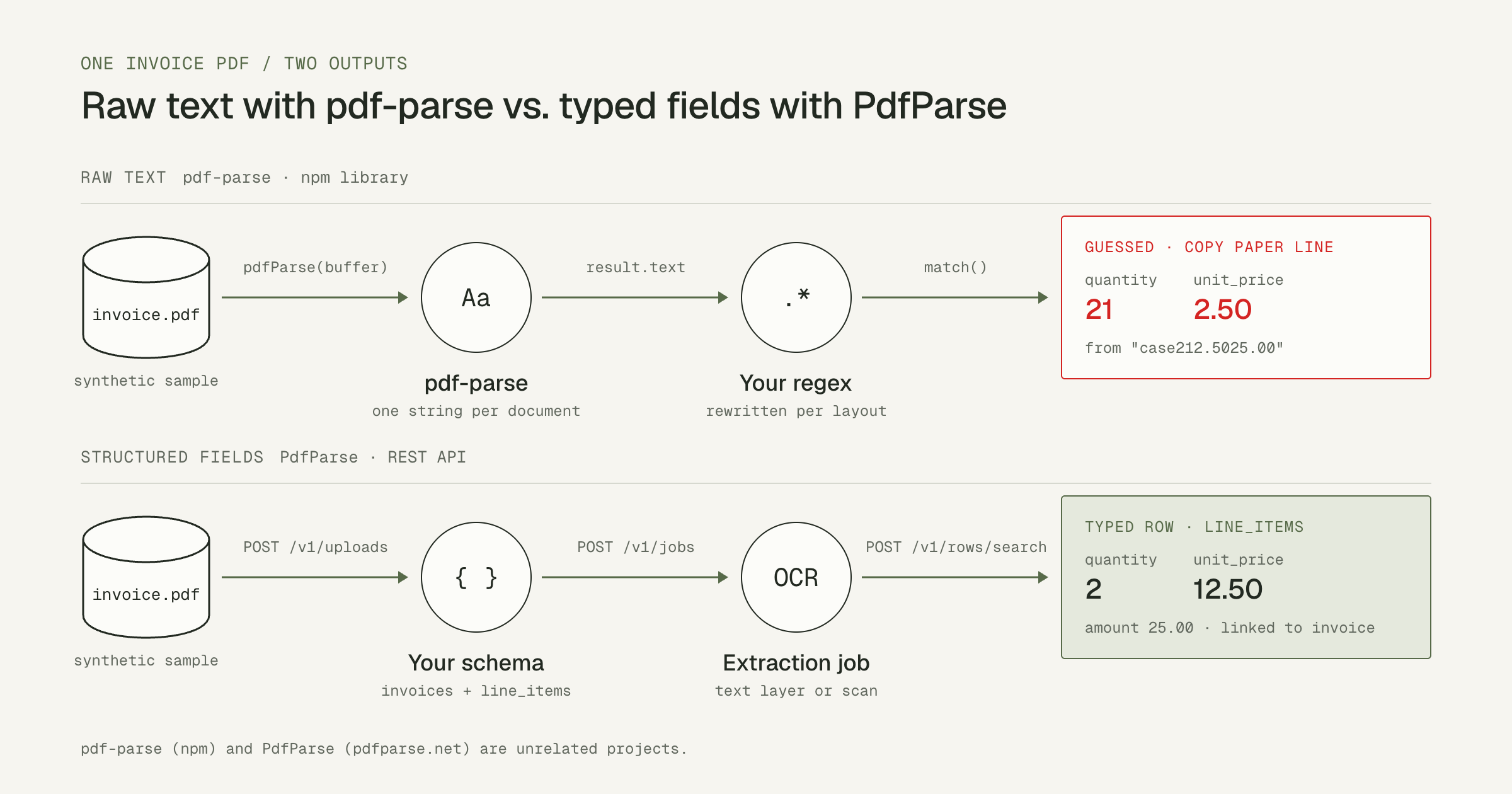
Use the pdf-parse npm library to read PDF text in Node.js, see where regex parsing breaks on tables and scans, and get typed invoice rows from an API.
Read article
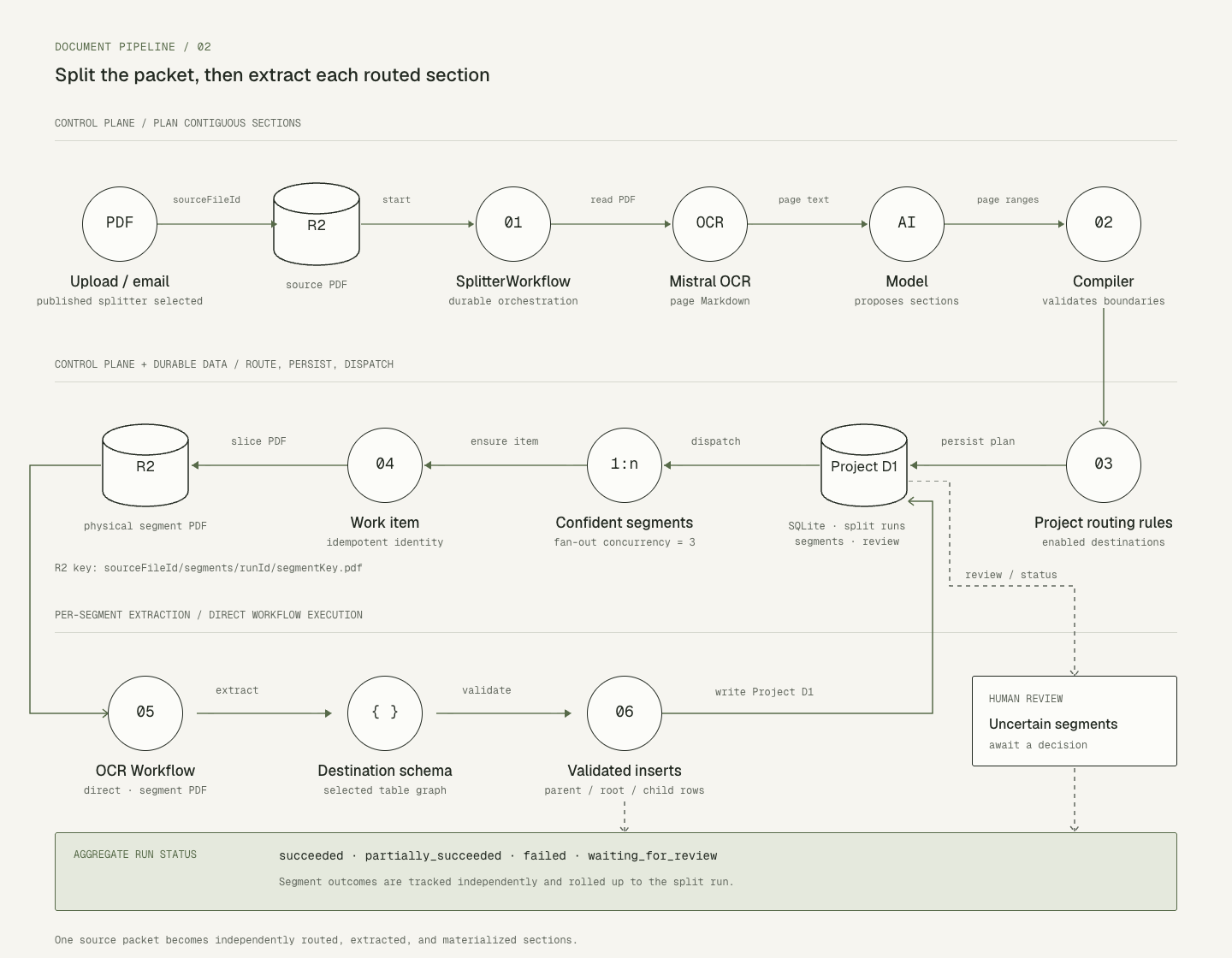
Learn how PdfParse separates compound PDFs into logical segments, and why that changes extraction, retries, relationships, and source tracing.
Read article
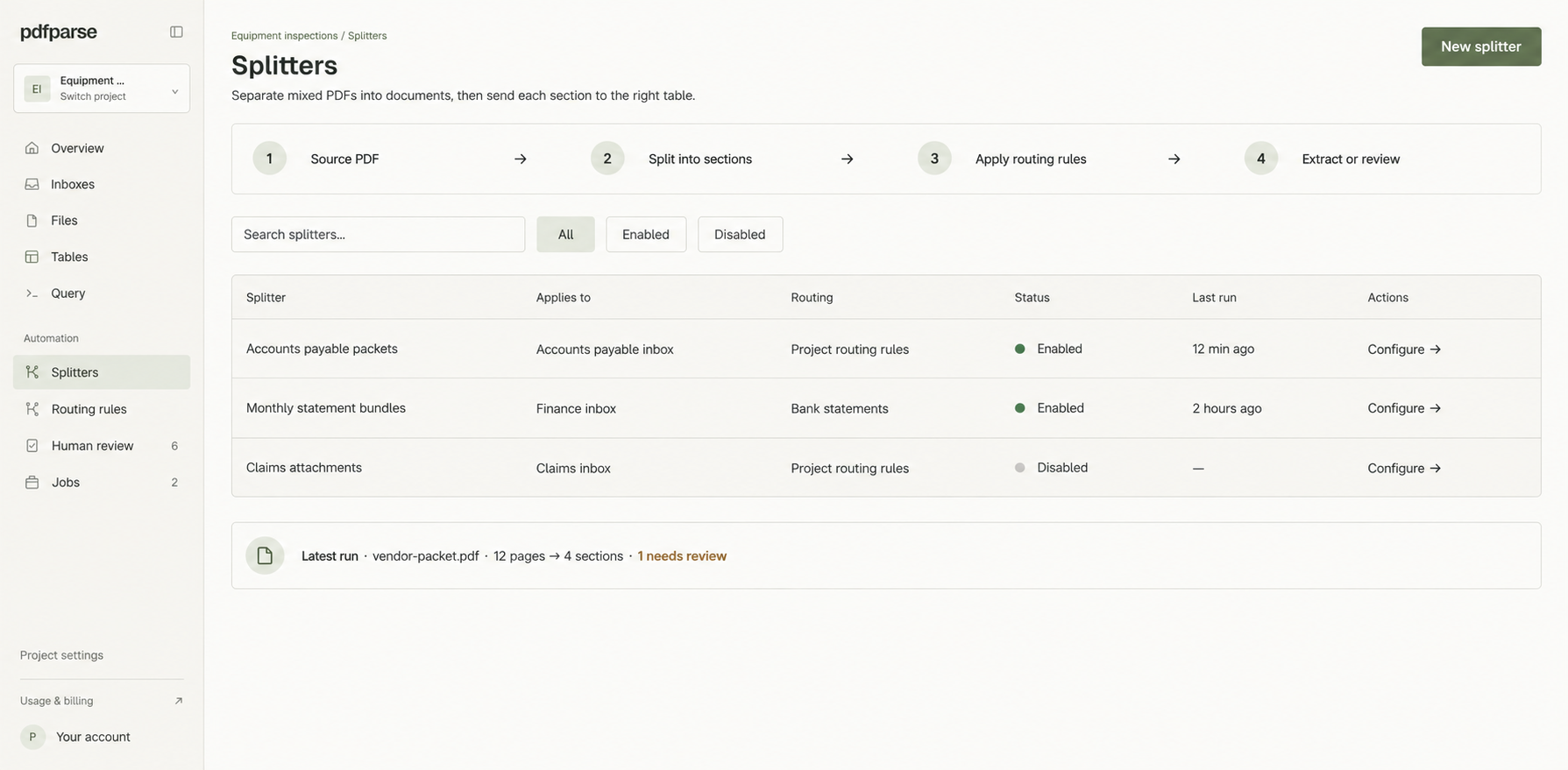
See how PdfParse groups pages into logical sections, routes each section to the right table, and keeps uncertain boundaries available for review.
Read article
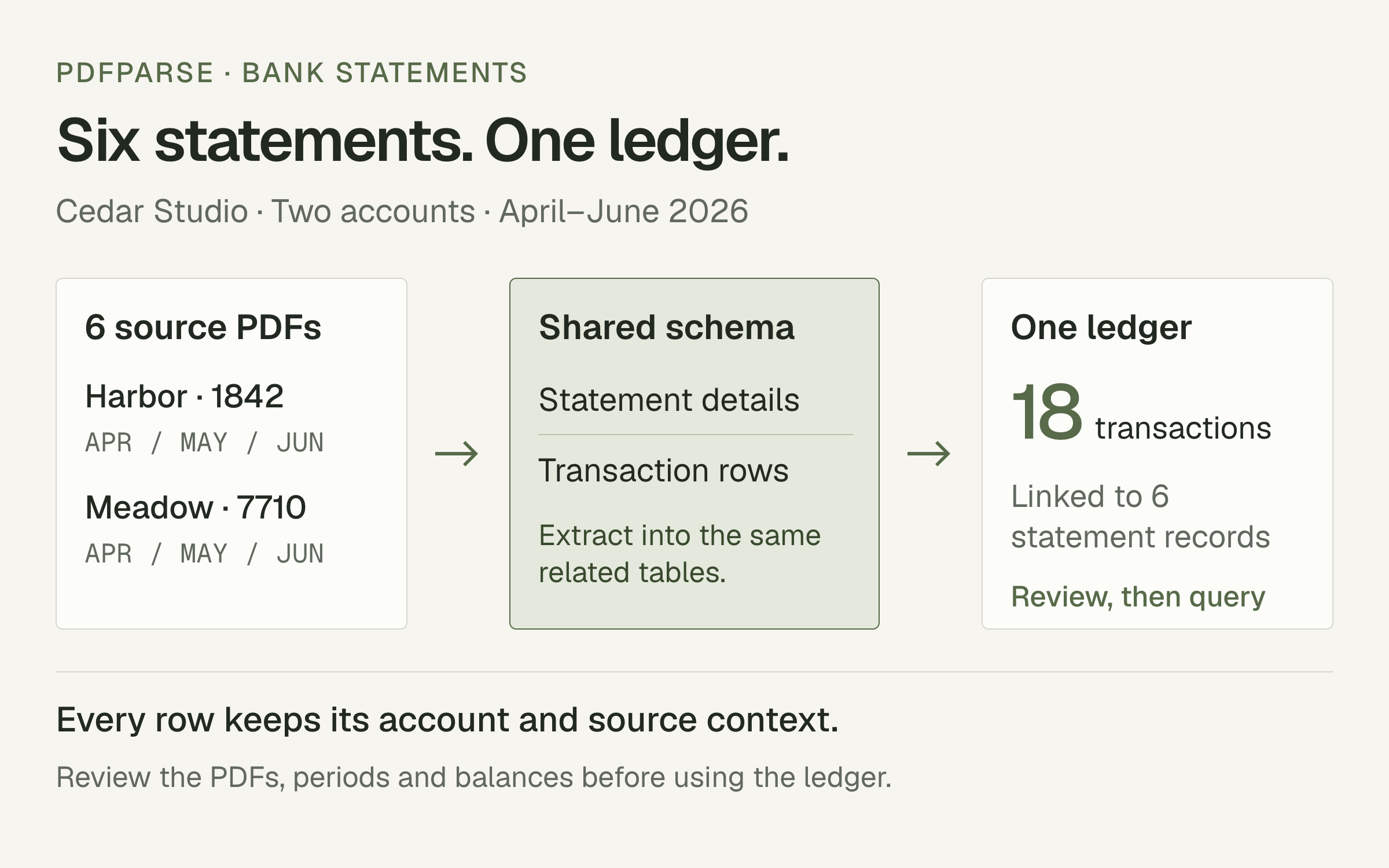
See how PdfParse combines statements from different banks into one ledger, preserves each transaction's source, and supports review across accounts and months.
Read article
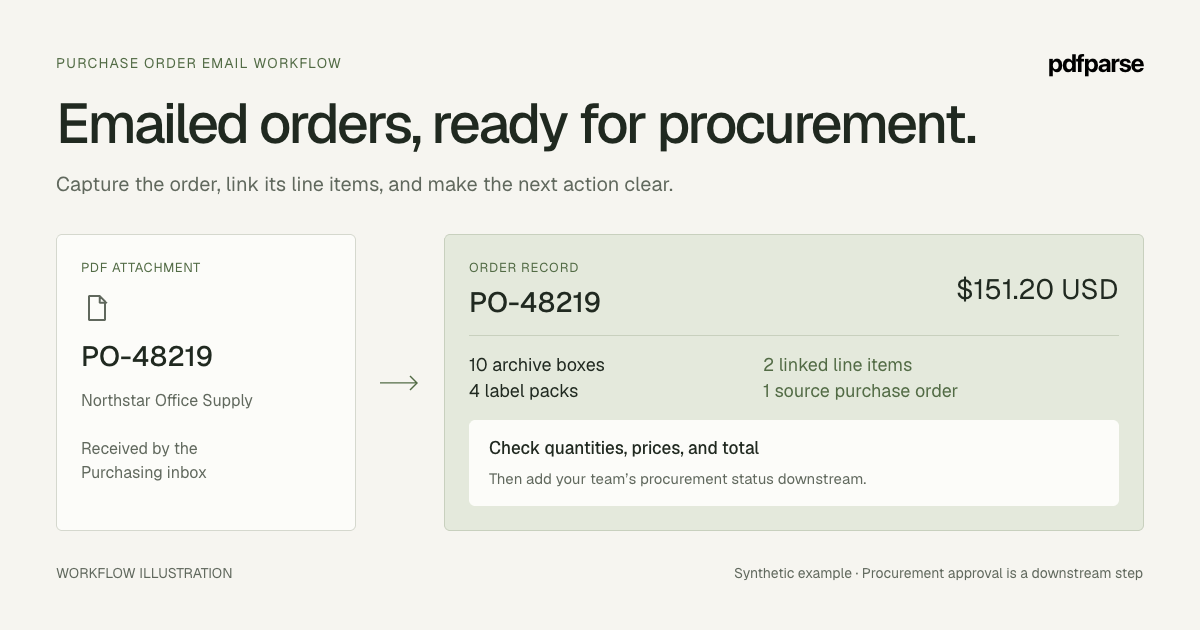
Route emailed purchase-order PDFs into a project, extract order headers and related items, and verify quantities, totals, and revisions before using the data.
Read article
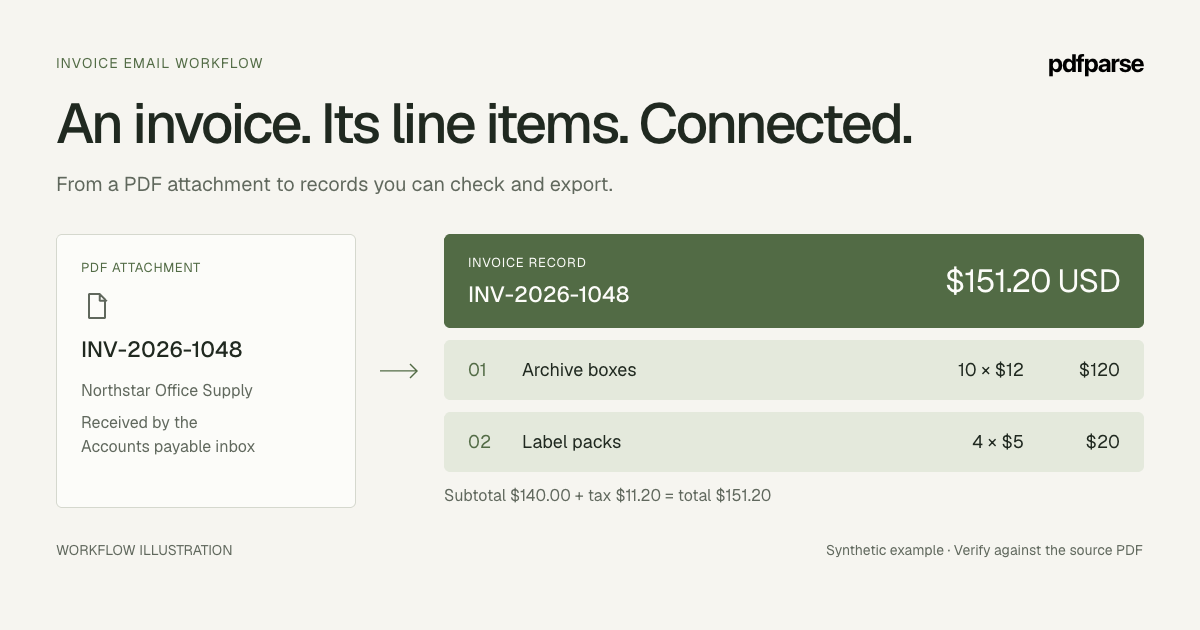
Send invoice PDF attachments to a project inbox, extract invoice fields and related line items, and check the resulting rows before forwarding more mail.
Read article
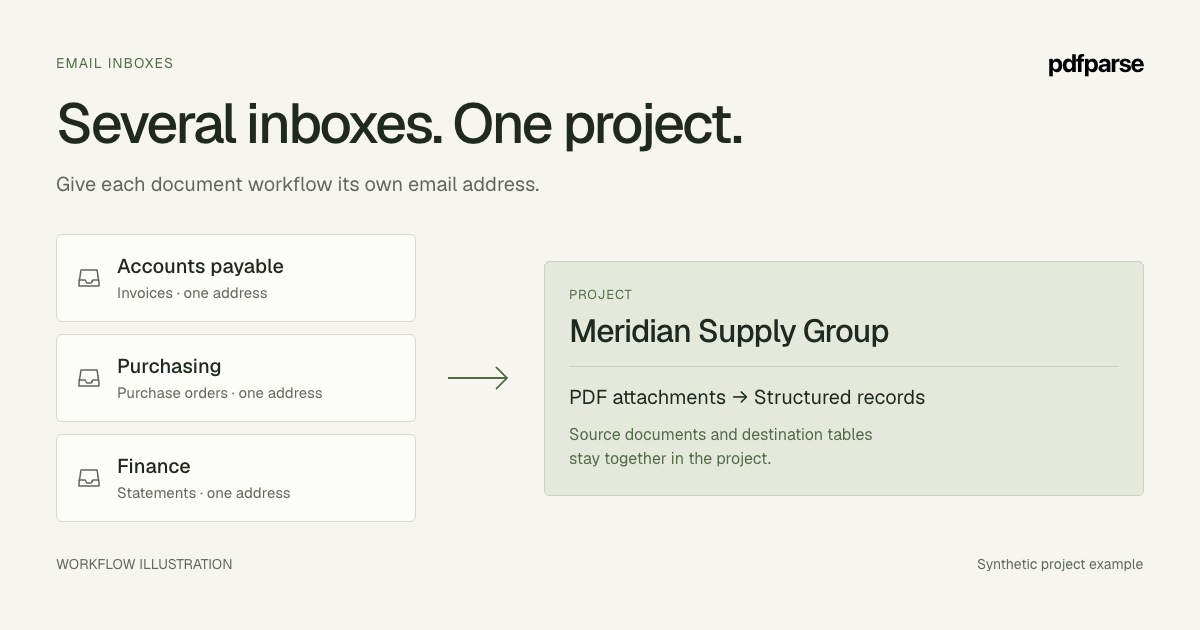
Create several email inboxes in one PdfParse project, control who can send PDFs, and turn attachments into connected records with visible processing status.
Read article
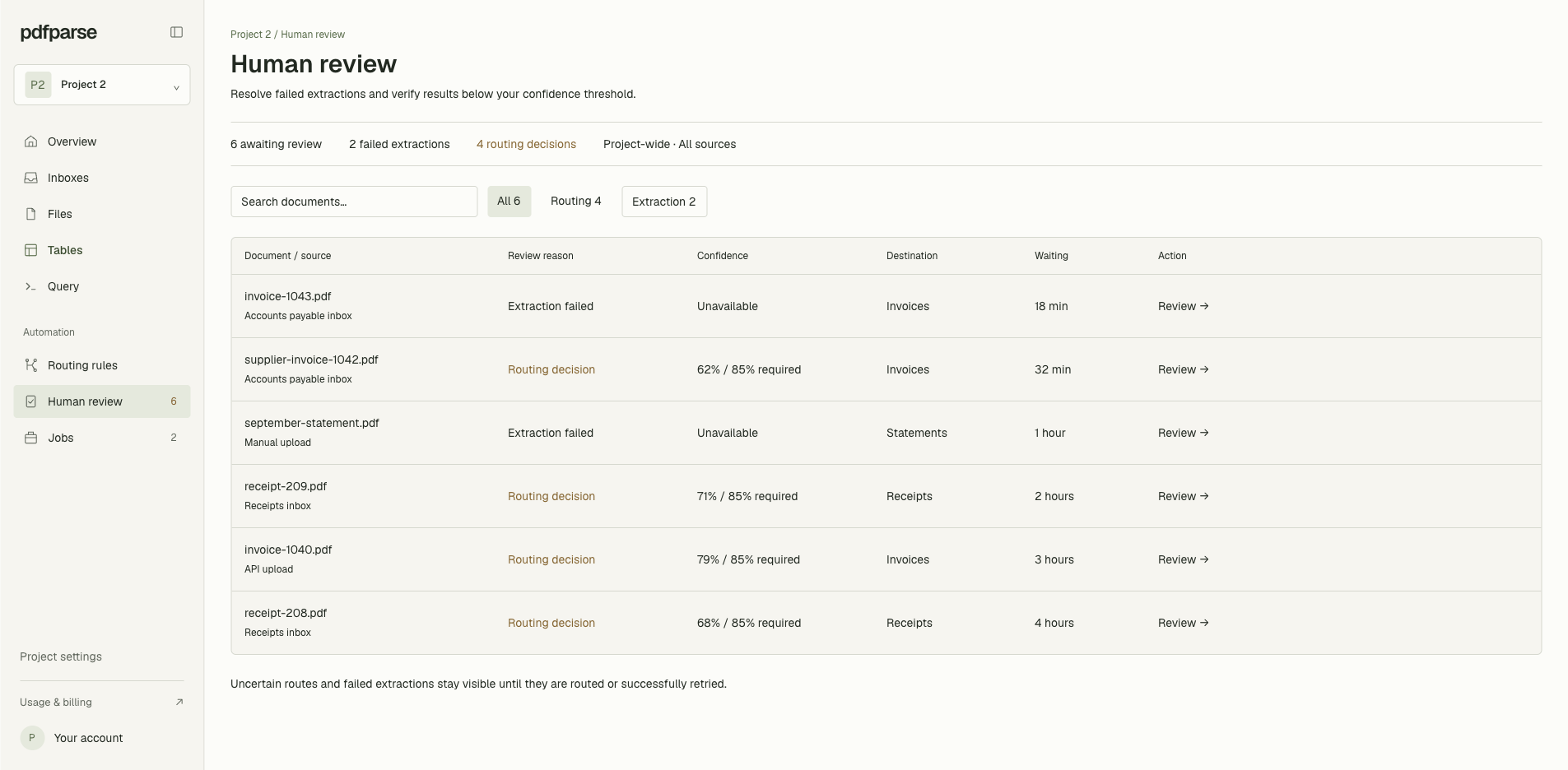
Use PdfParse Human Review to inspect uncertain routing decisions, compare each PDF with its suggested table, and start extraction in the right place.
Read article
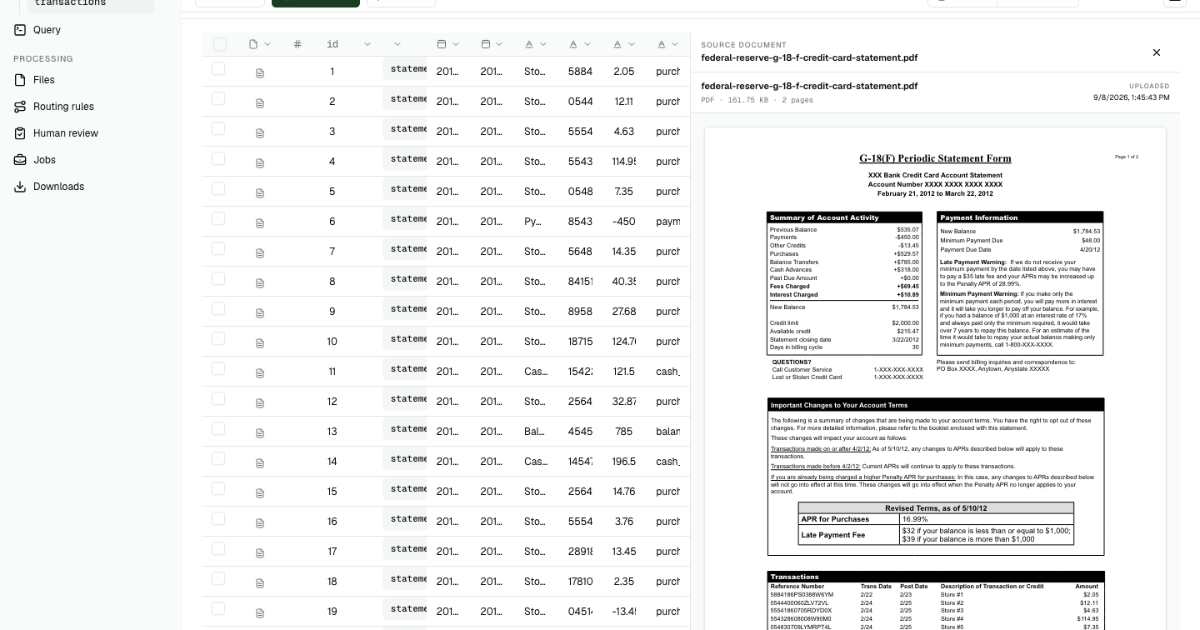
Turn real credit card statement PDFs into statement and transaction rows, check the values against each source, and export clean structured data.
Read article
Turn differently formatted PDFs into consistent SQL tables. Define one reusable schema, preserve repeating rows, and query every document together.
Read article
Learn when to keep variable PDF data in JSON and when to use related child tables for records you need to query, compare, and export.
Read article
Learn when basic invoice extraction stops being enough and how structured parsing keeps fields, line items, and source documents connected.
Read article
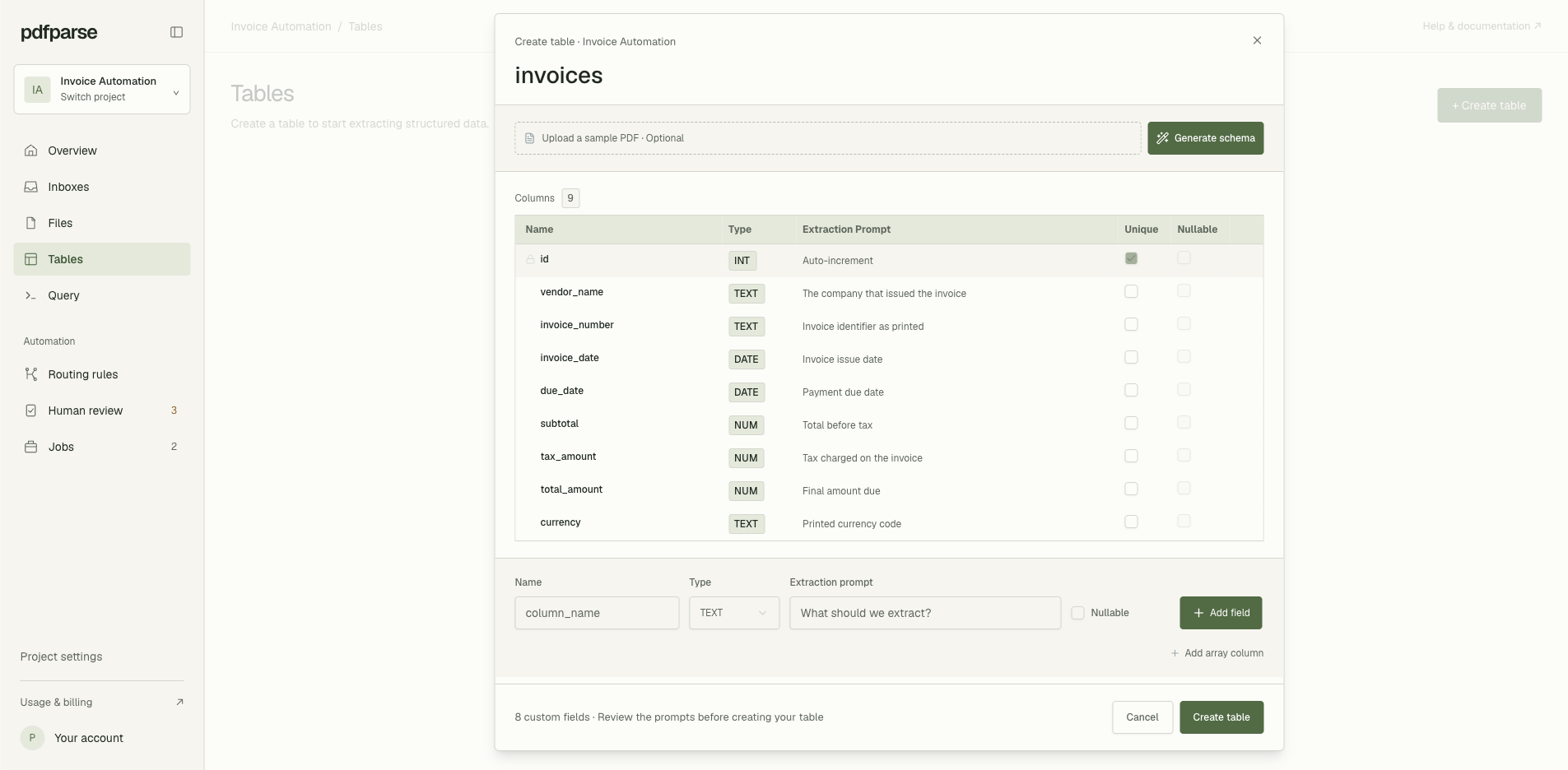
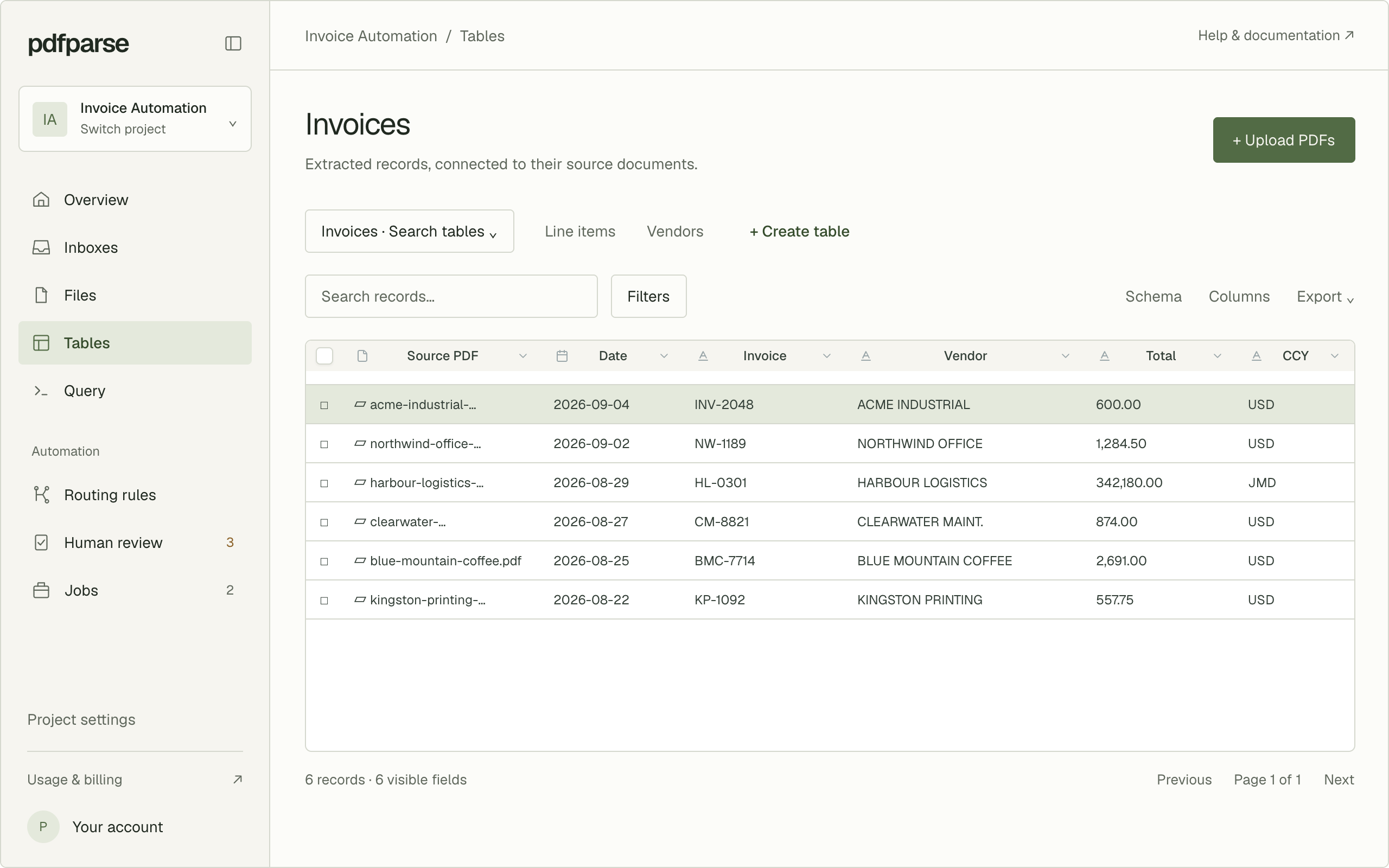
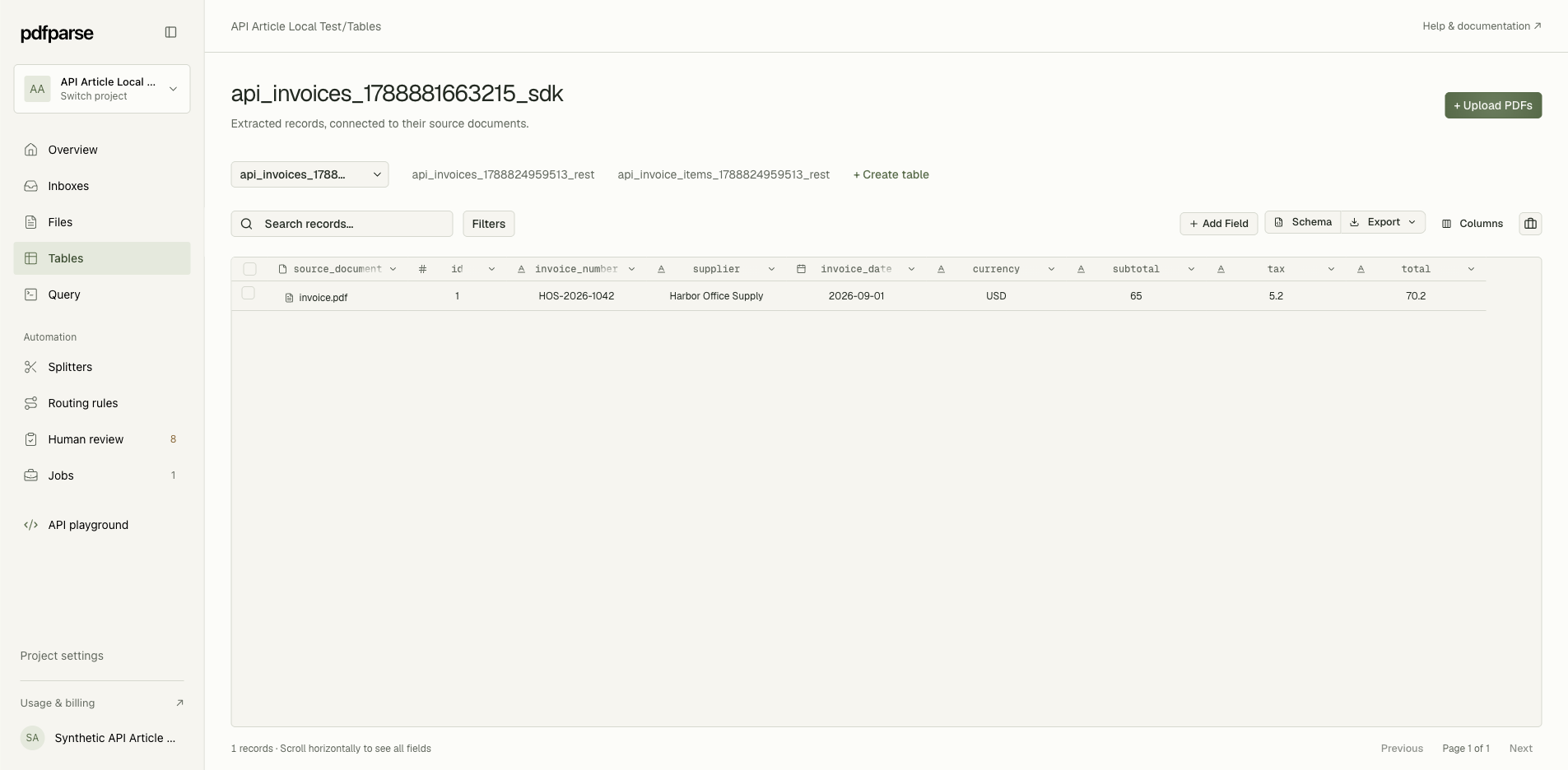
Turn invoice PDFs into an invoices table and a linked line-items table: define the schema, upload, check each row against its PDF, and export CSV or JSON.
Read article
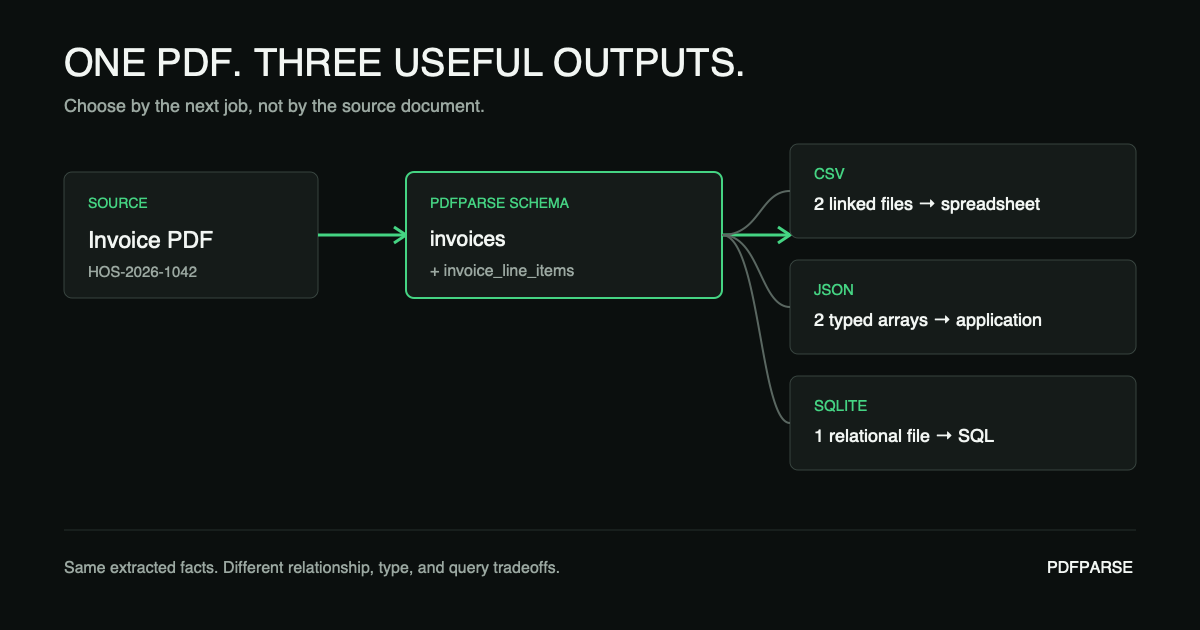
Extract a PDF once with a reusable schema, then choose CSV, JSON, or SQLite for spreadsheets, software integrations, and SQL workflows.
Read article
Convert PDF data into a SQLite database. Define related tables, process documents, run SQL queries, and export the complete database.
Read article
Build a PDF extraction workflow with a schema, resumable upload, asynchronous job, webhook, and structured row query.
Read article
Extract a table from a scanned PDF to CSV with OCR. Keep rows and columns correct, check OCR errors, and validate the final file.
Read article
Convert a PDF table into a JSON array. Define a schema, preserve data types, process scanned PDFs with OCR, and validate the result.
Read article
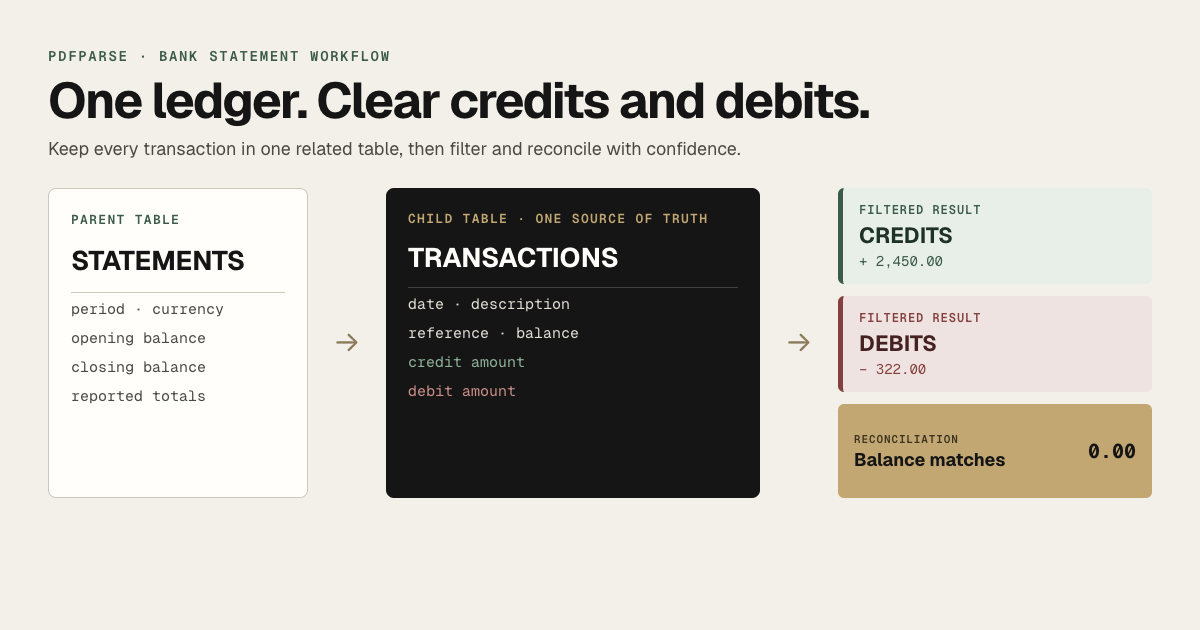
Extract bank statement transactions into related tables, separate credits from debits, reconcile the closing balance, and export reviewed data.
Read article
Convert a PDF table to CSV. Keep rows and columns correct. Learn how to process digital and scanned PDFs, merged cells, and complex tables.
Read article
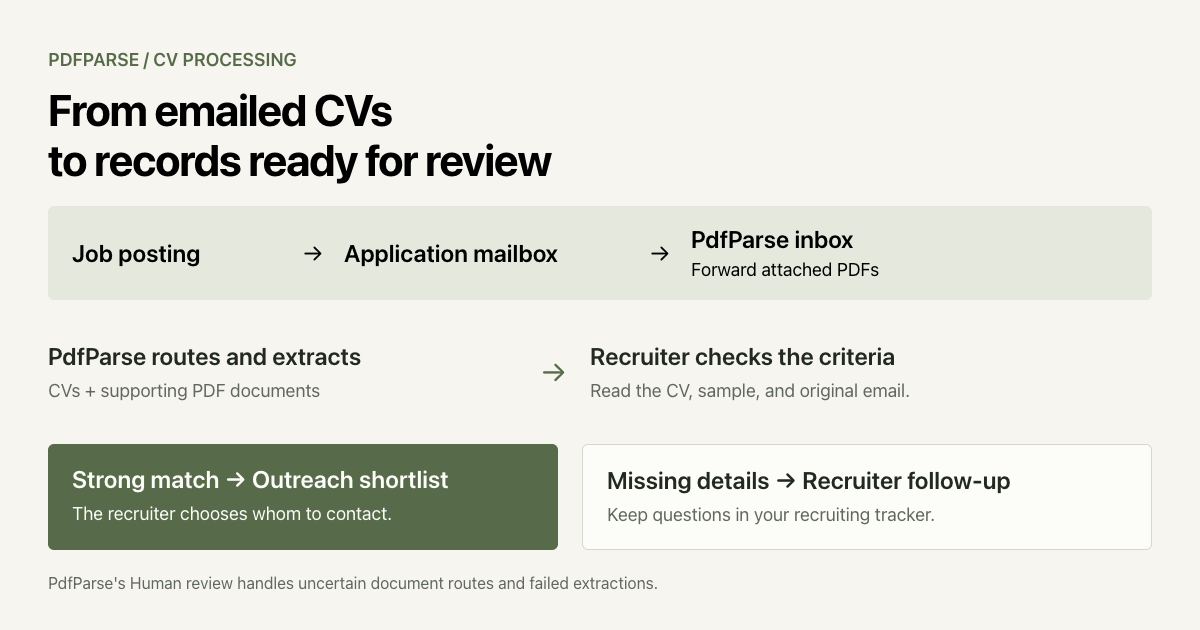
Automate CV intake with PdfParse: forward PDF attachments, route CVs and writing samples into tables, and review candidate records to build your shortlist.
Read article
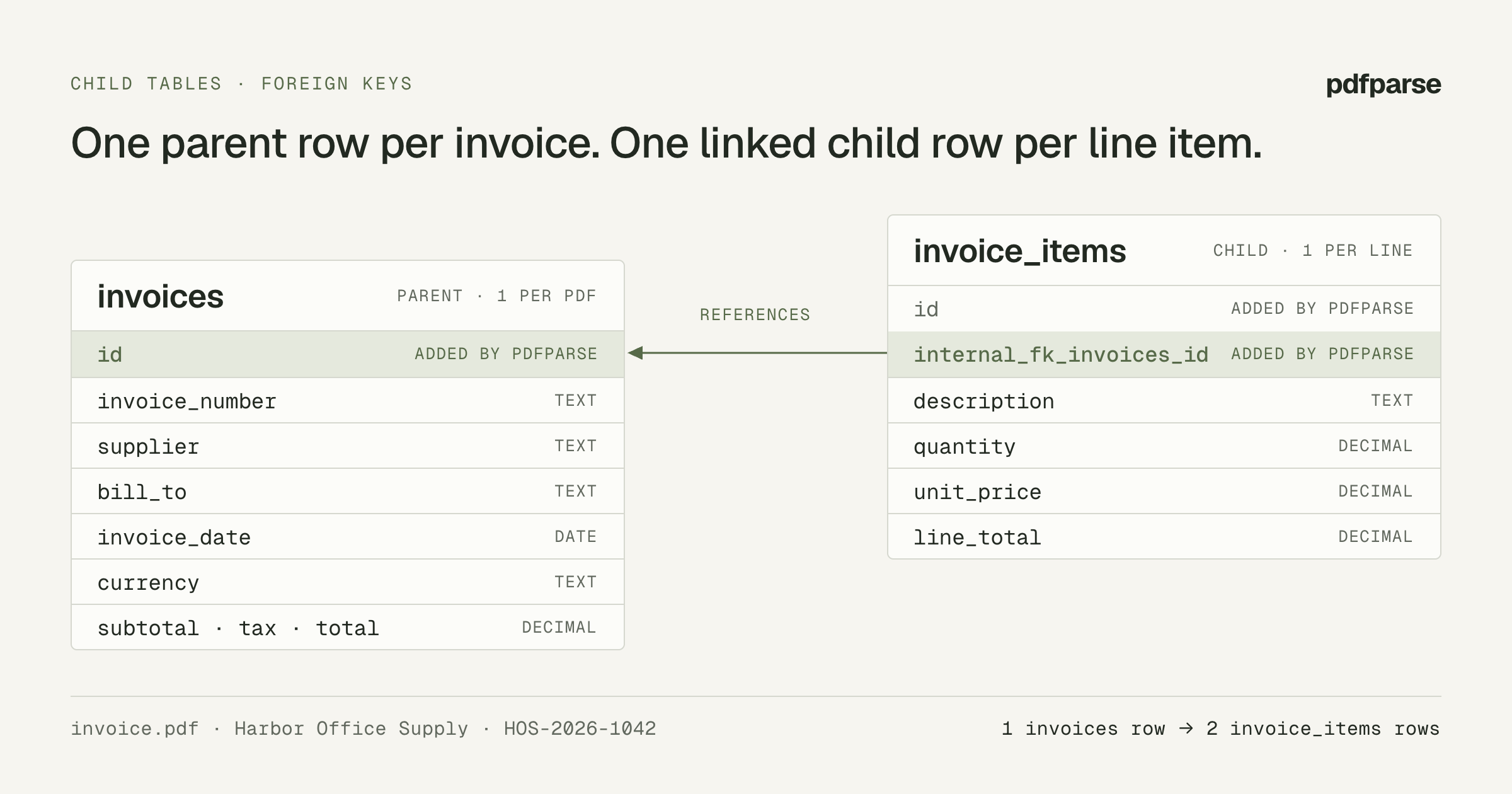
Model an invoice as a parent table with a line-items child table in PdfParse, create it in the dashboard or API, and verify the linked rows with SQL.
Read article
See how PdfParse turns PDFs into connected tables, keeps records linked to source documents, and lets you review and export data as SQLite, JSON, or CSV.
Read article