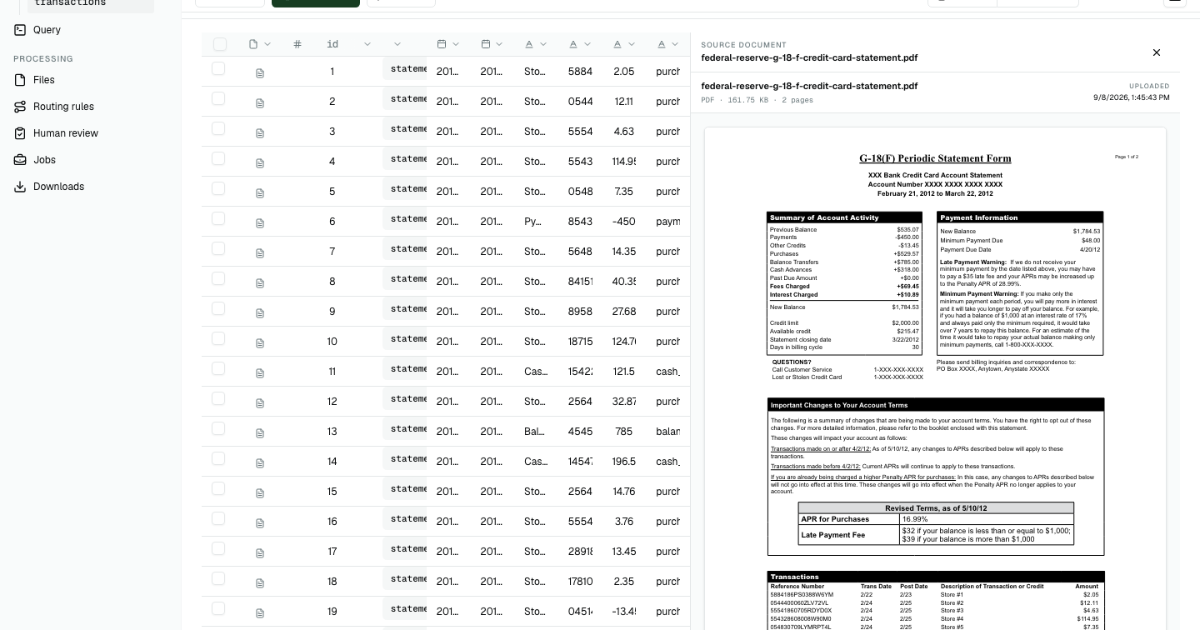
Credit card statements tend to mix two kinds of information on the same page. Your account balance, fees, and payment data describe the overall state of your credit card account. Detailed information such as cash advances, purchases, payments, and transfers goes in a transaction table.
Copying that information into a spreadsheet by hand is slow, but the larger risk is losing the relationship between a number and the statement it came from. This walkthrough uses two real public sample PDFs in PdfParse to create one reviewable dataset without writing code.
Relying on manual data entry or one-off prompts in general-purpose AI tools such as ChatGPT or Claude can produce errors, inconsistencies, and unwieldy data. The process is also extremely time-consuming. PdfParse offers a structured solution with real data relationships: statement-level data is normalized in a statements table, while transactions are placed in a separate transactions table. Each transaction is linked to its statement through a shared relationship key.
By the end, you will have two statements rows, 30 related transactions rows, and a clear process for checking the extracted values before exporting CSV or JSON.
What this walkthrough produces
- One
statementsrow for each PDF, containing the period, balances, payments, purchases, fees, interest, limit, available credit, minimum payment, and due date. - One related
transactionsrow for each repeating ledger entry, containing its dates, description, reference number, amount, and type. - A source link on every extracted row so the original page can stay open during review.
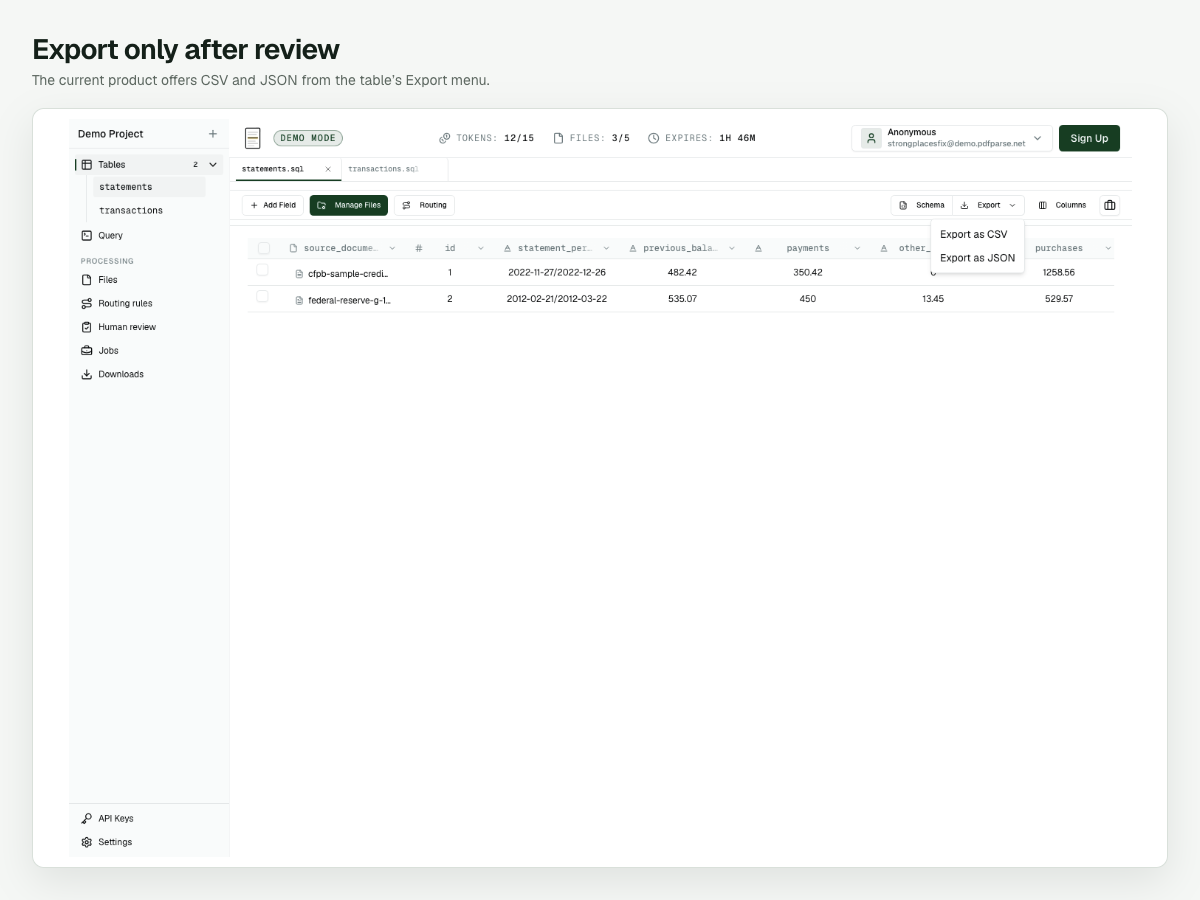
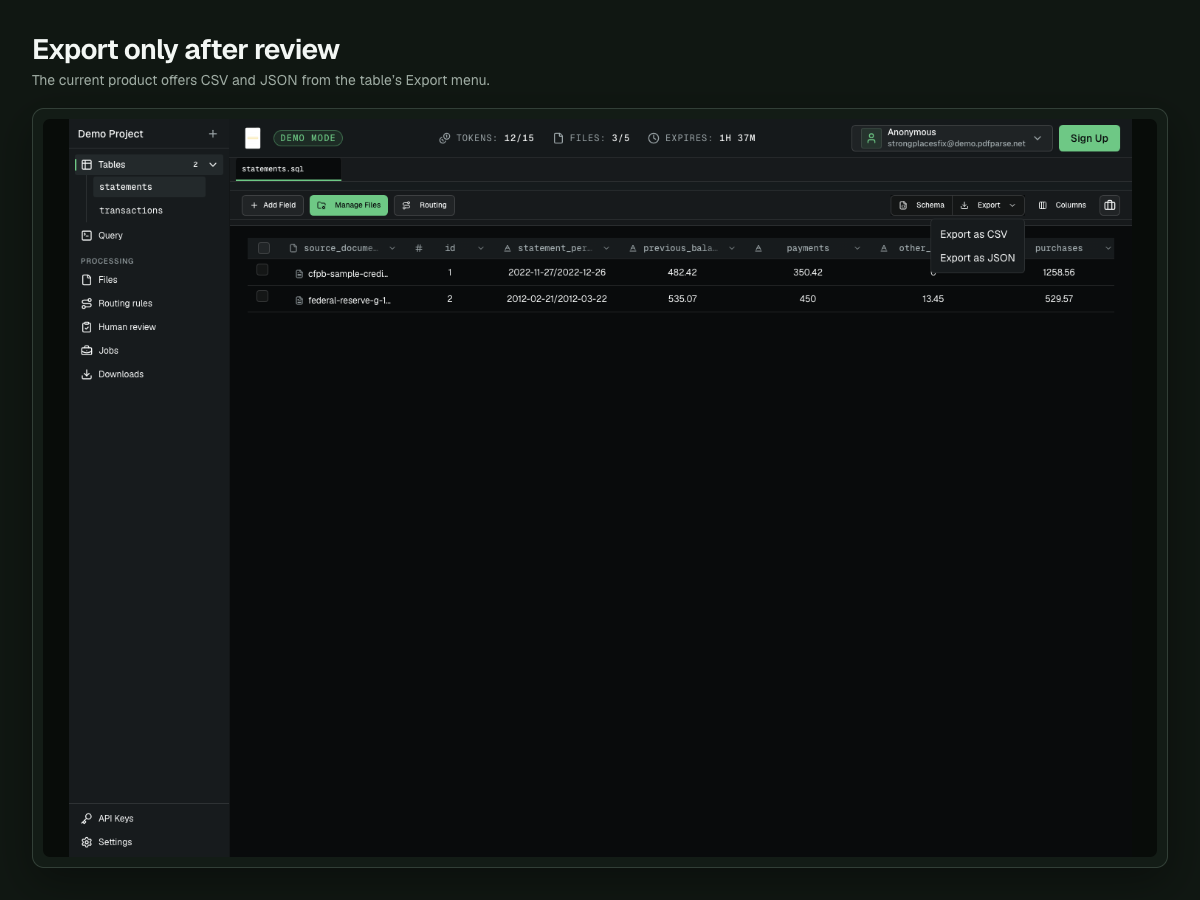
- A CSV or JSON export only after the rows have been checked.
Use the same public samples to follow along: the Federal Reserve G-18(F) statement and the CFPB sample statement. They contain sample or masked account details rather than customer data.
Create separate statement and transaction tables
The first decision is where each value belongs. A statement period or new balance appears once per document, so it belongs in statements. Transaction dates, descriptions, and amounts repeat, so they belong in the related transactions table.
In a temporary Demo Project:
- Select New table and name the table
statements. - Add the Federal Reserve PDF to the schema generator.
- Enter this instruction:
Create one statement row with the statement period, previous balance, payments, other credits, purchases, cash advances, balance transfers, fees, interest, new balance, credit limit, available credit, minimum payment due, and payment due date. Put every repeating ledger entry in a transactions child table with transaction date, post date, description, reference number, amount, and transaction type.
- Select Generate schema and review the proposed fields.
- Confirm that
transactionsis a child table, then select Create Table.
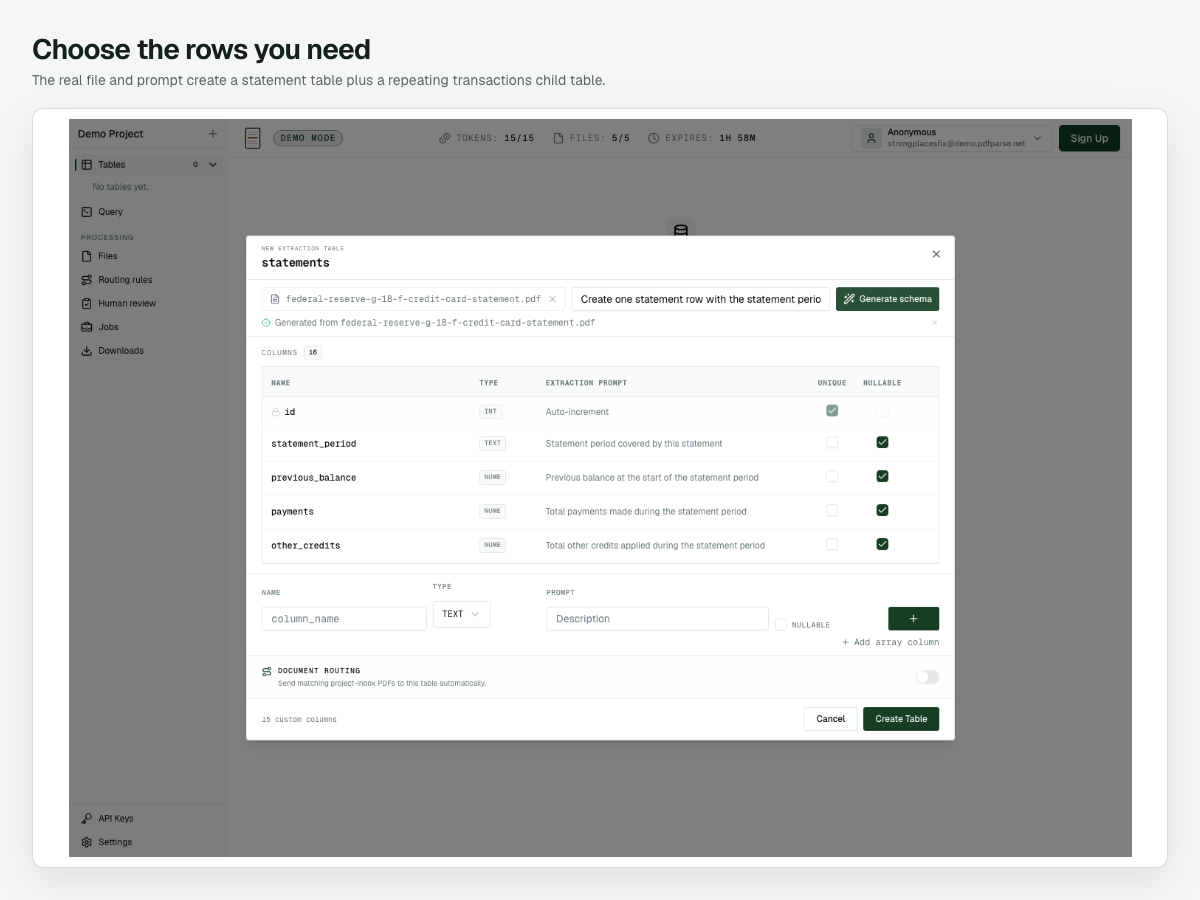
Expected result: the sidebar lists statements and transactions. The transaction table includes a statements_record relationship, which keeps each ledger entry connected to its parent statement.
Before continuing, verify that amounts use numeric fields, payment_due_date uses a date field, and the repeating entries did not land in one large text field. If the generated structure is wrong, revise the instruction and regenerate it before processing the batch; fixing the model is easier before rows exist.
Upload and process both statement PDFs
With the two tables ready:
- Open
statementsand select Manage Files. - Add
federal-reserve-g-18-f-credit-card-statement.pdfandcfpb-sample-credit-card-statement.pdf. - Wait until each upload reaches 100%.
- Select both queued files.
- Select Process Selected.
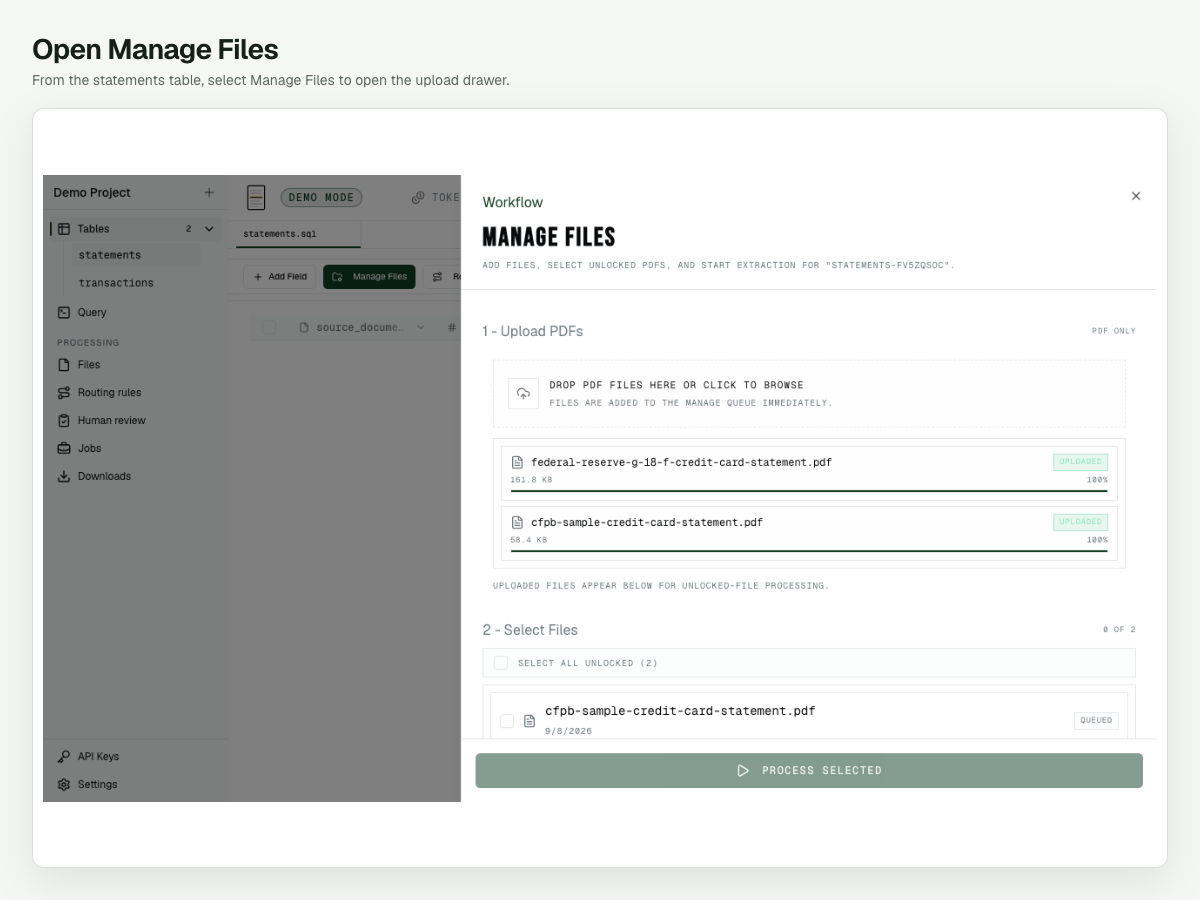
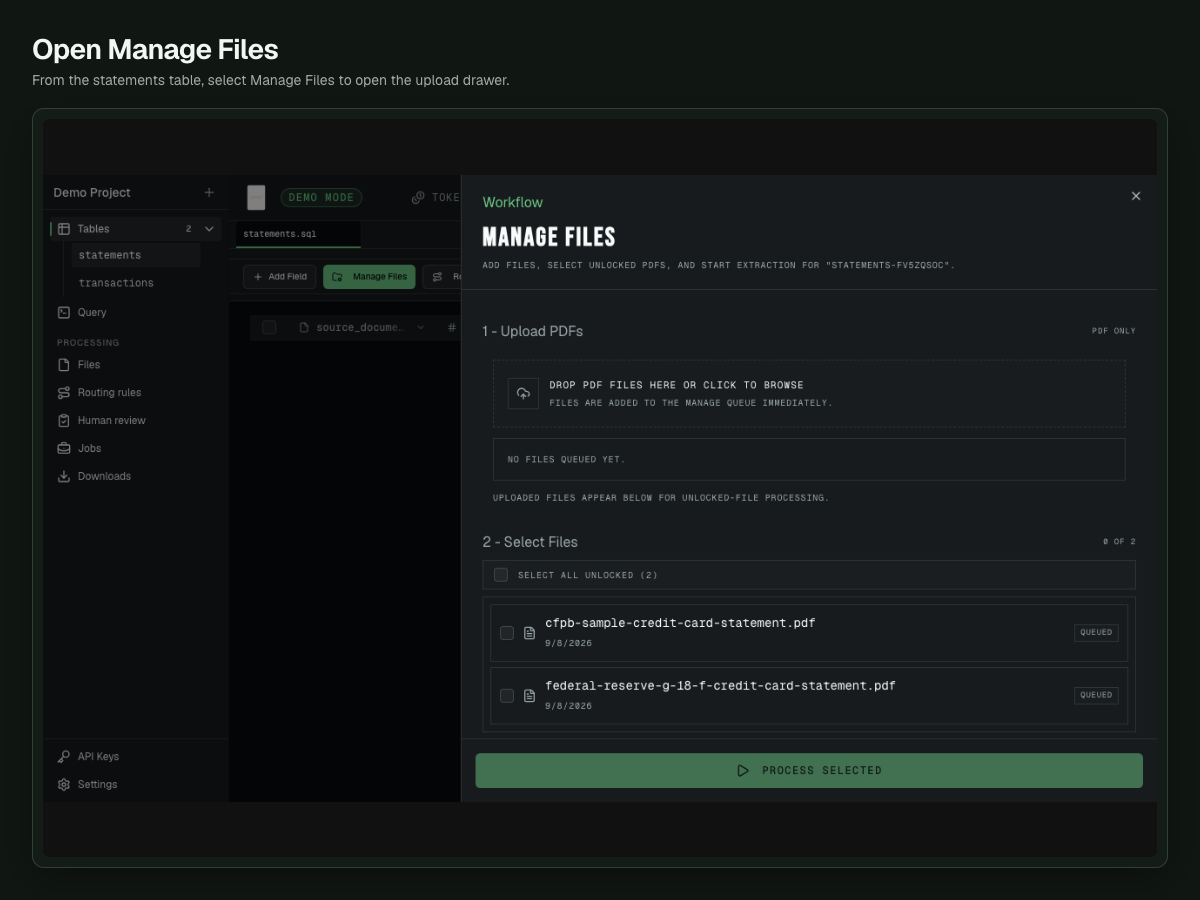
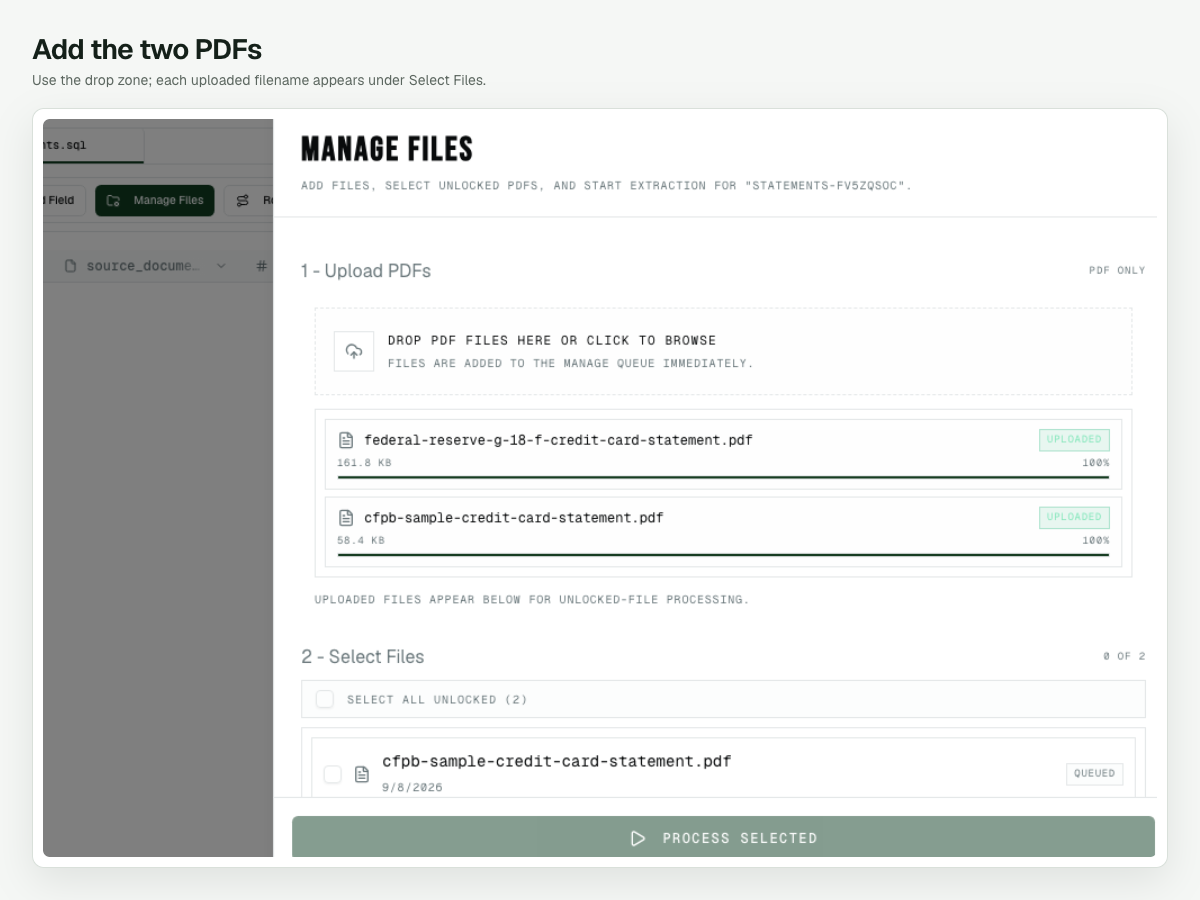
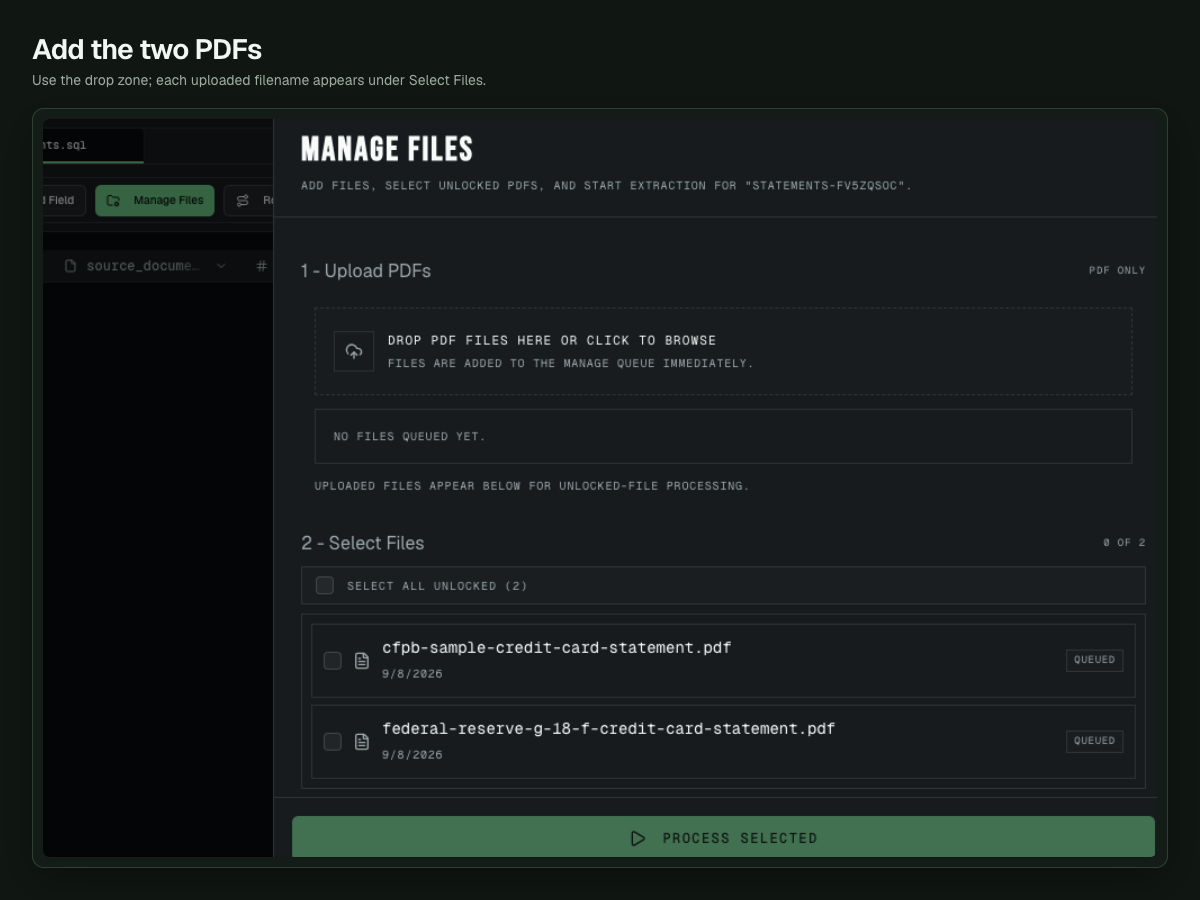
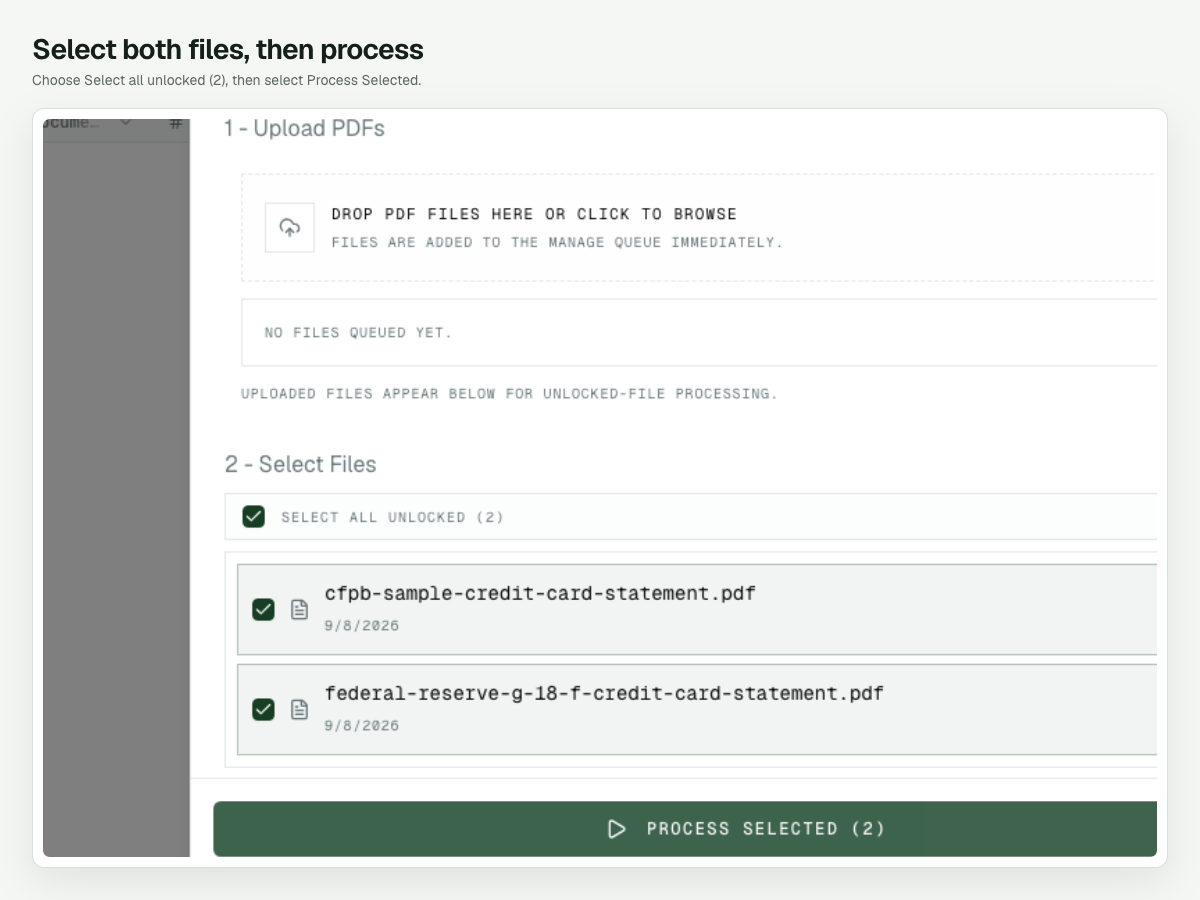
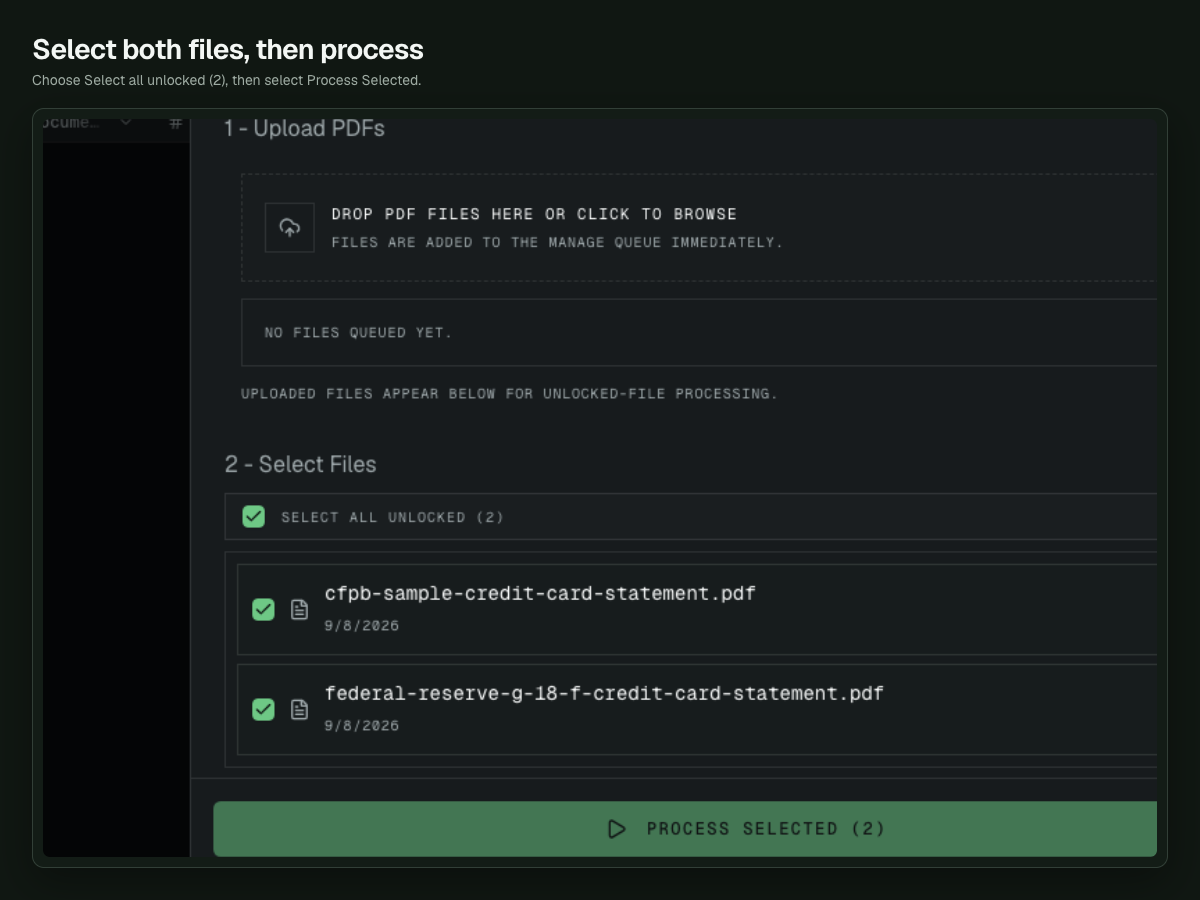
The two-page Federal Reserve form and one-page CFPB sample consume three document pages in this demo. When processing finishes, statements contains two rows and transactions contains 30 rows.
If a file remains queued, make sure it is selected in the second part of the drawer. If processing fails, keep the source file in place, review the job status, and retry that file rather than uploading a renamed duplicate.
Check the statement totals first
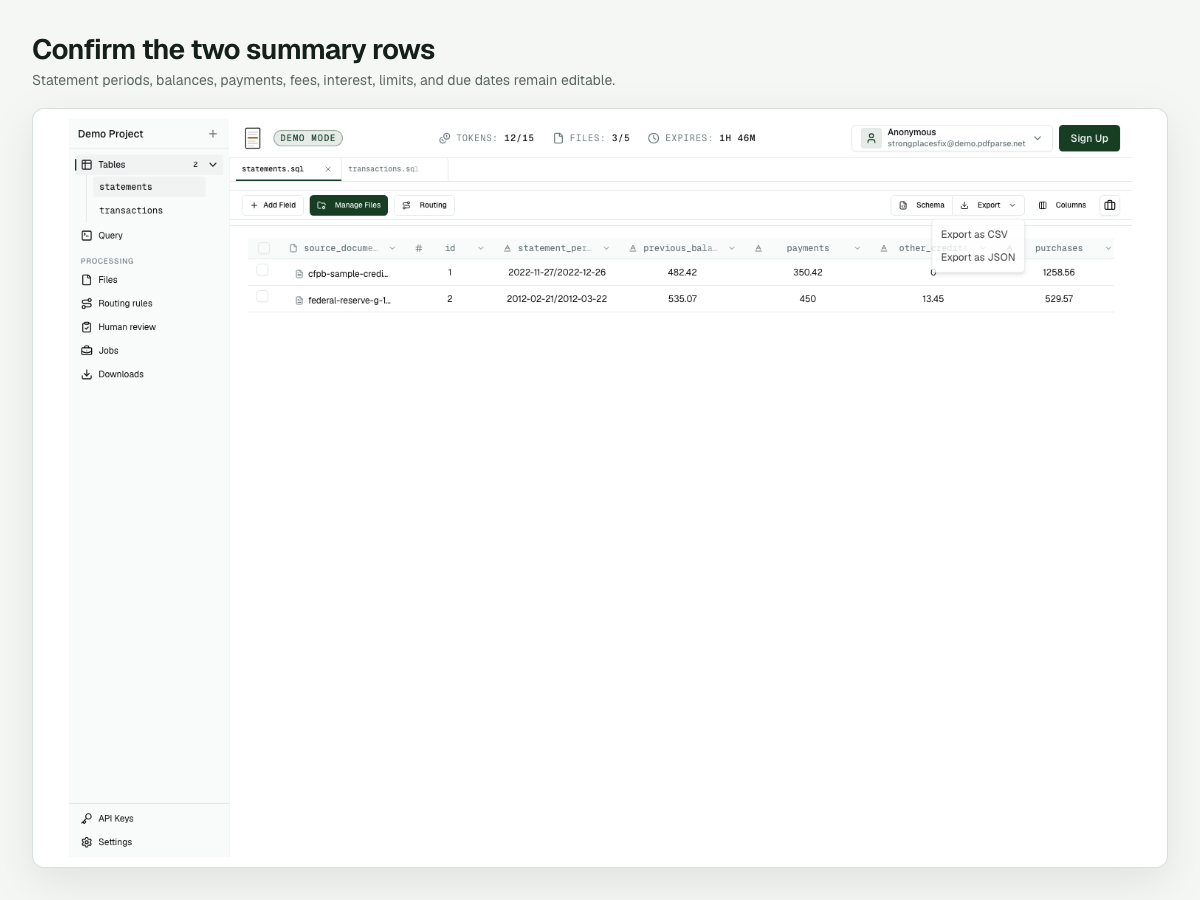
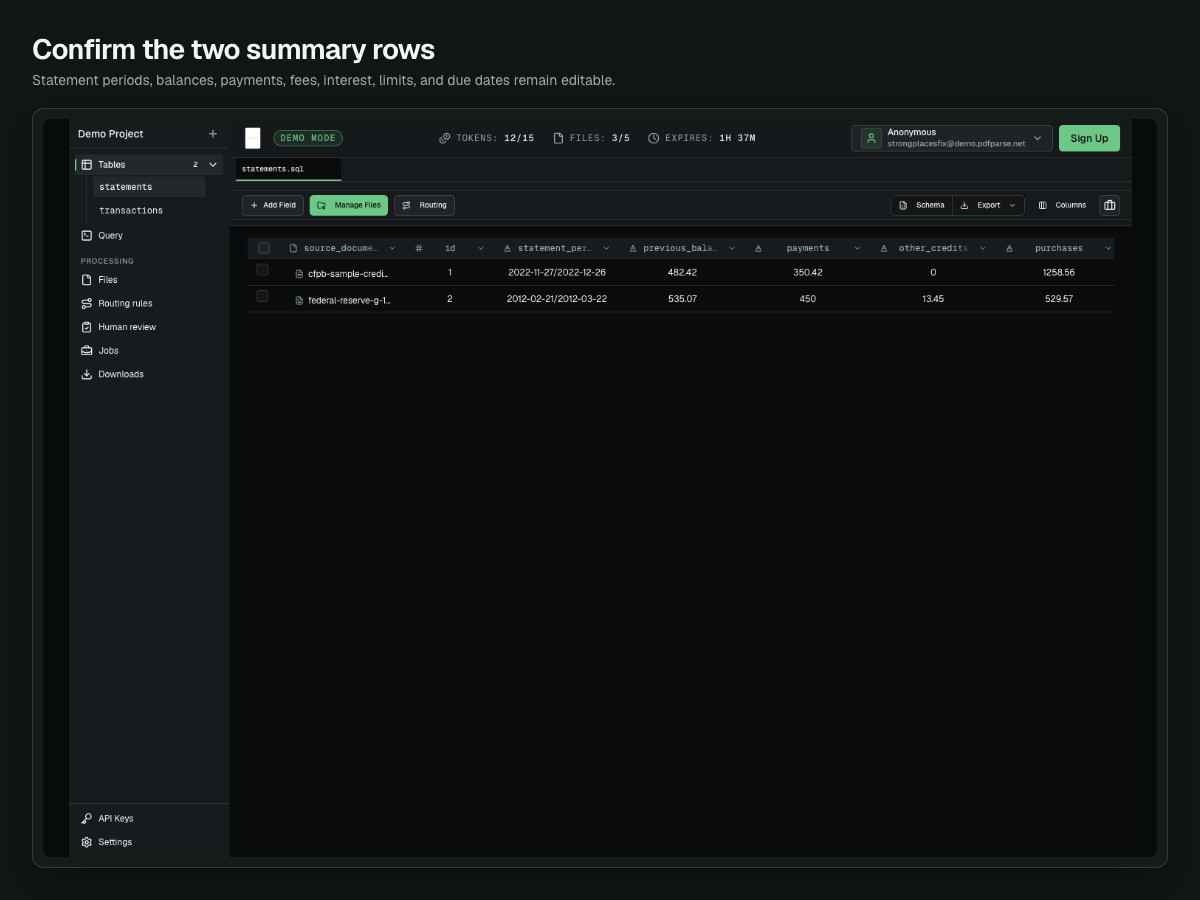
Start with the two summary rows. They provide the quickest check that the major sections of each statement were read correctly.
| Source PDF | Statement period | Previous balance | Payments | Purchases | Fees | Interest | New balance | Minimum due | Due date |
|---|---|---|---|---|---|---|---|---|---|
| CFPB sample | 2022-11-27/2022-12-26 | 482.42 | 350.42 | 1,258.56 | 0 | 2.15 | 1,392.71 | 25 | 2023-01-23 |
| Federal Reserve G-18(F) | 2012-02-21/2012-03-22 | 535.07 | 450 | 529.57 | 69.45 | 10.89 | 1,784.53 | 48 | 2012-04-20 |
The Federal Reserve row also contains other_credits of 13.45, cash_advances of 318, and balance_transfers of 785. Its balance reconciles:
535.07 − 450 − 13.45 + 529.57 + 318 + 785 + 69.45 + 10.89 = 1,784.53
The CFPB row reconciles as well:
482.42 − 350.42 + 1,258.56 + 2.15 = 1,392.71
These checks do not prove that every transaction is correct, but they catch missing statement sections and sign errors before you spend time reviewing individual rows.
Review transaction rows beside the source PDF
Open transactions, then select the source-document control on a row. PdfParse keeps the transaction table on the left and opens the original statement on the right.
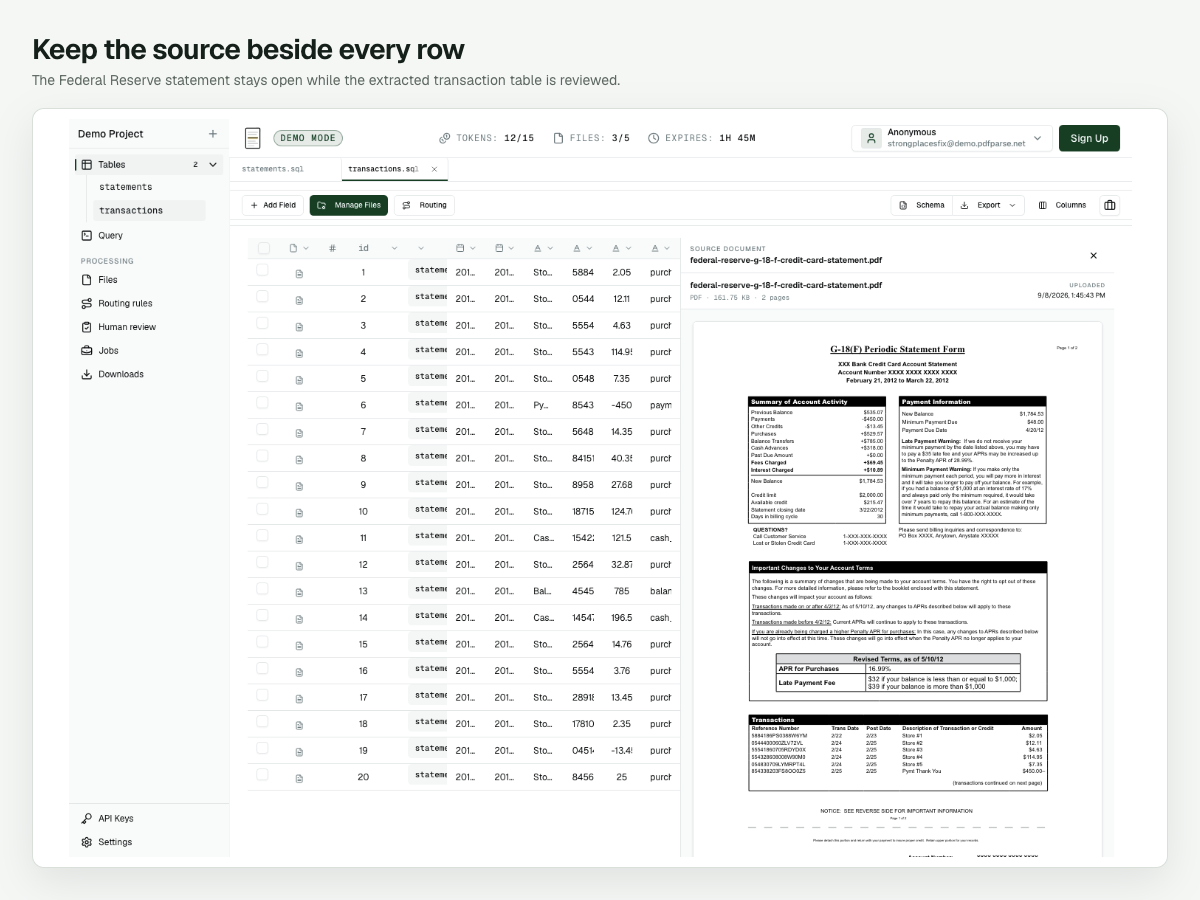
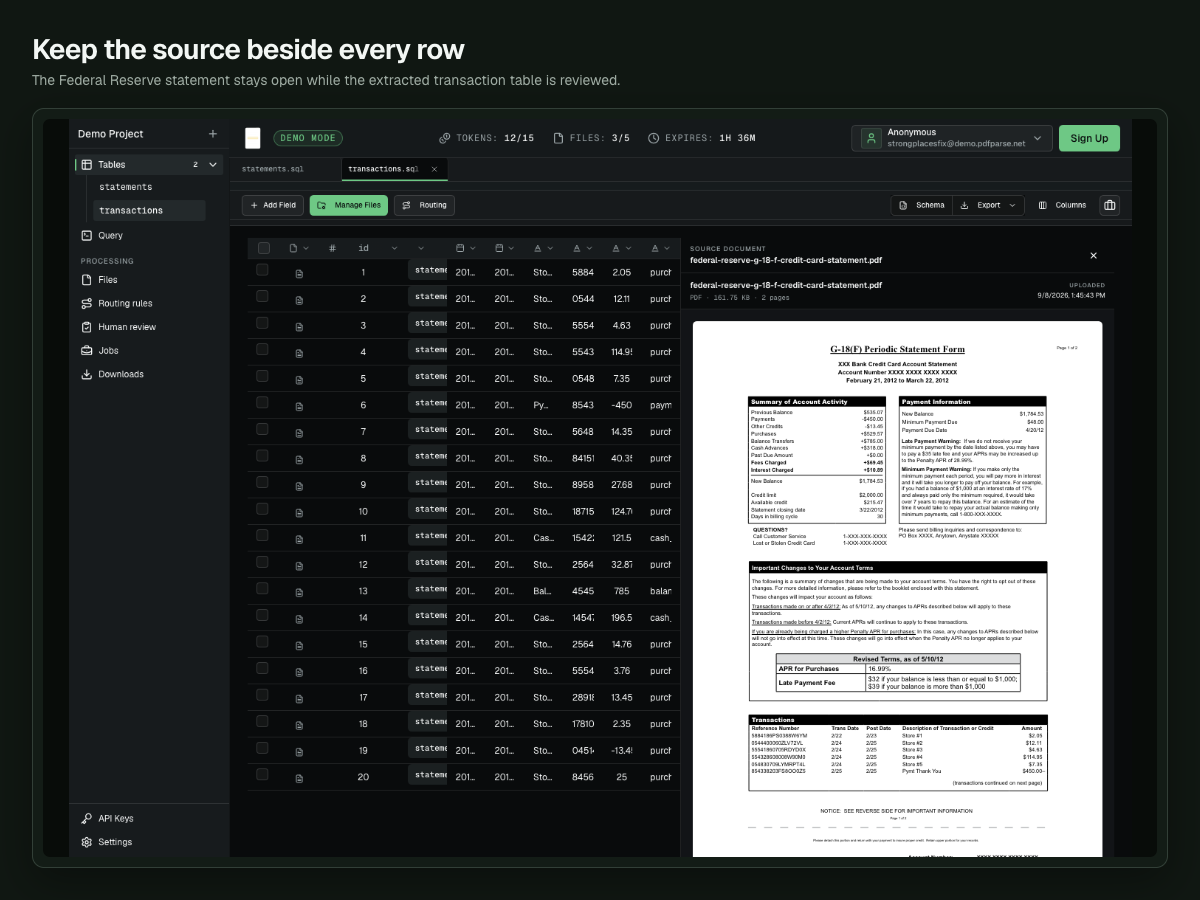
Review a mix of ordinary and unusual entries rather than checking only the first few rows. The real extraction includes these examples:
| Description | Amount | Extracted transaction type | What to verify |
|---|---|---|---|
| Store #1 | 2.05 | purchase | Date, merchant label, amount, and reference number |
| Pymt Thank You | -450 | payment | The payment keeps its negative sign |
| Cash Advance | 121.50 | cash_advance | The entry is not grouped with purchases |
| Balance Transfer | 785 | balance_transfer | The transfer remains a separate transaction type |
| Store #13 | -13.45 | purchase | Decide whether your workflow should reclassify this reversal as a credit |
That last row is why source review matters. The extractor preserved the -13.45 amount but labeled it as a purchase, while the statement summary reports 13.45 under other credits. If your reporting rules treat the reversal as a credit, correct the transaction type before export. Structured output is reviewable output, not permission to skip judgment.
Export the reviewed rows
Once the checks are complete:
- Open the table you want to download.
- Select Export.
- Choose Export as CSV for a spreadsheet or accounting import, or Export as JSON for another application.
- Open the downloaded file and confirm that the row count matches the reviewed table.
Export statements and transactions separately when the destination accepts related datasets. Keep the statement identifier with the transaction export so the rows can be joined again later.
For a final spot check, confirm that the export contains two statement rows and 30 transaction rows, then compare the two new balances and the -450 payment with the source PDFs.
Common questions
Should payments and credits be negative?
The statement summary fields in this example store payments and other credits as positive magnitudes because the source labels already explain their role. Individual transaction rows preserve signed amounts, such as -450 for the payment and -13.45 for the reversal. Choose one convention for each table and document it for downstream users.
Why use a child table instead of one JSON field?
Separate transaction rows are easier to filter, sort, correct, export, and compare across many statements. A JSON array can be useful when the repeating content is highly irregular, but it is less convenient for spreadsheet review. See JSON arrays versus child tables for the broader tradeoff.
Can I use statements from different card issuers?
Yes, but start with a small representative batch. Confirm that the shared fields still mean the same thing across layouts, and review issuer-specific sections before increasing the batch size.
What if a statement is scanned?
Use the same schema and review process, but inspect dates, decimal points, and negative signs more closely. Image quality, skew, and small print create additional opportunities for recognition errors.
Build your own reviewed statement dataset
The useful result is not merely text extracted from a PDF. It is two connected tables whose totals can be reconciled, whose transactions can be checked beside the source, and whose rows can be exported for the next workflow.
Create a PdfParse project and begin with a few representative statements. For related guidance, read how to extract PDF data into SQL tables, compare CSV, JSON, and SQLite outputs, or review the available record types.
For checking or savings statements with separate debit and credit columns, follow the bank statement transaction tutorial.